Install FacturaOS

Put FacturaOS on your home screen

FacturaOS also ships native apps. If you want fixes and new features the moment they are released, we recommend installing the web app from your browser — it updates instantly, with no store review in between.

Open FacturaOS

Sign in first, then follow the steps for your device.

Install FacturaOS

iPhone and iPad

Safari

This only works in Safari. If you opened the link from WhatsApp, Instagram, or another app, open it in Safari first.

  1. 1Open app.facturaos.com in Safari.
  2. 2Tap the share button — the square with an arrow pointing up.
  3. 3Scroll down and choose Add to Home Screen.
  4. 4Confirm with Add.

Android

Chrome

  1. 1Open app.facturaos.com in Chrome.
  2. 2Tap the three dots in the top right corner.
  3. 3Choose Install app, or Add to Home screen if you do not see it.
  4. 4Confirm with Install.

Computer

Chrome or Edge

  1. 1Open app.facturaos.com in Chrome or Edge.
  2. 2Look for the install icon at the right end of the address bar.
  3. 3Click it and confirm with Install.
  4. 4FacturaOS opens in its own window, separate from your browser tabs.

Why install it

Opens like an app

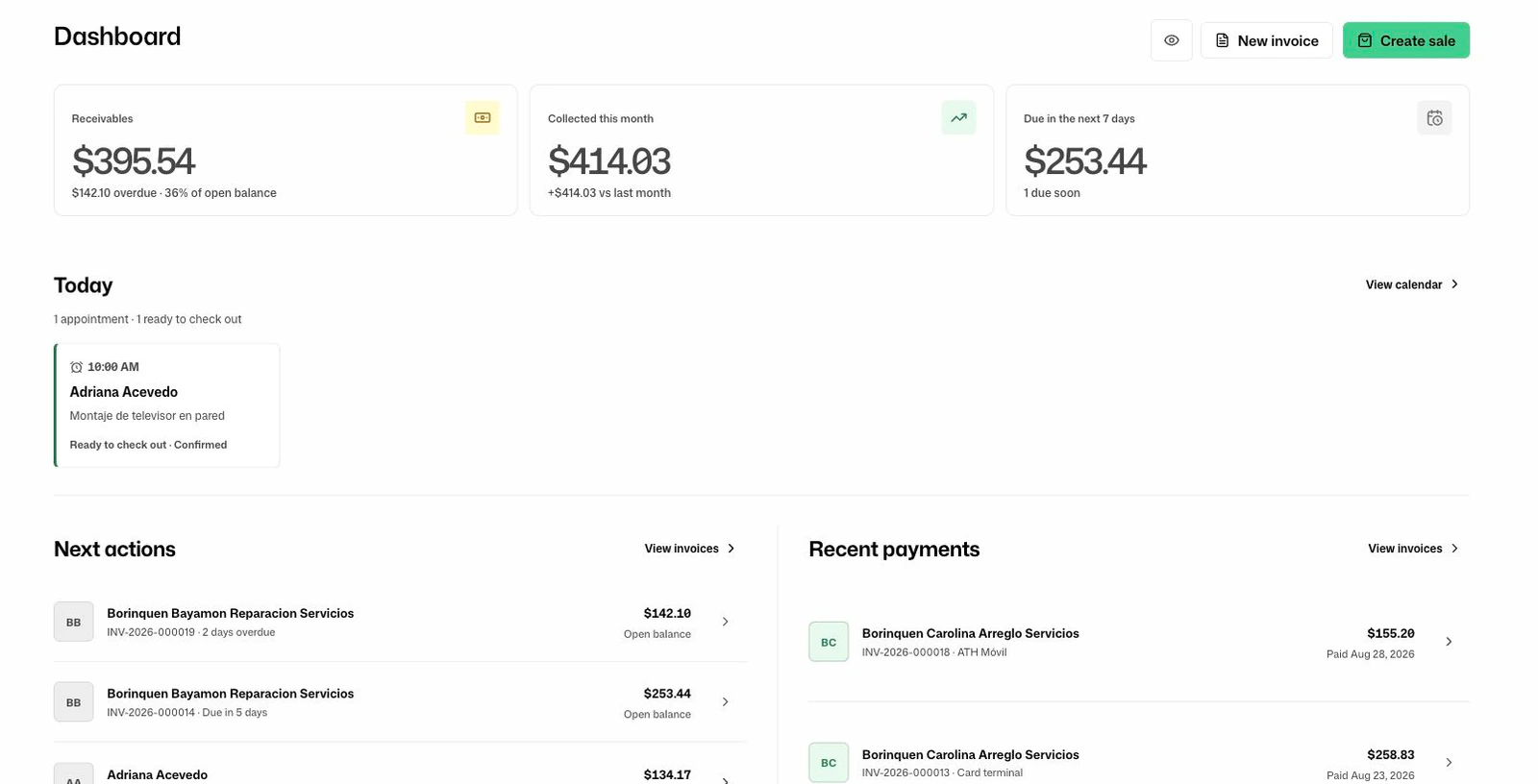
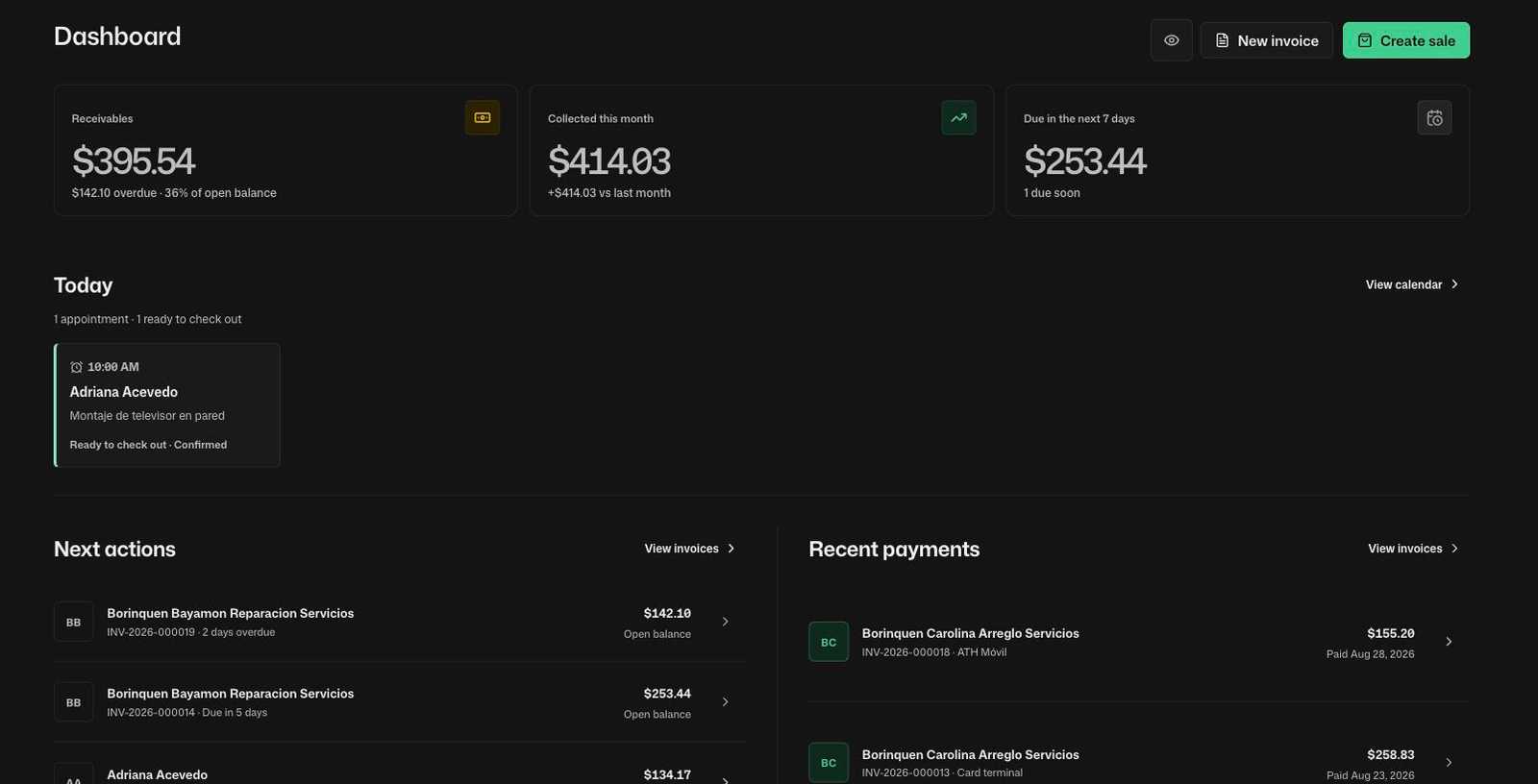
One tap from the home screen straight into the day's invoices and calendar — no browser tabs to hunt for.

No app store needed

Nothing to download and no store account. It installs from the browser you already use.

Updates arrive immediately

You are always on the current build. Fixes and new features arrive the moment we ship them, with no update to approve.

Start free