
Client management
Client records built for service businesses
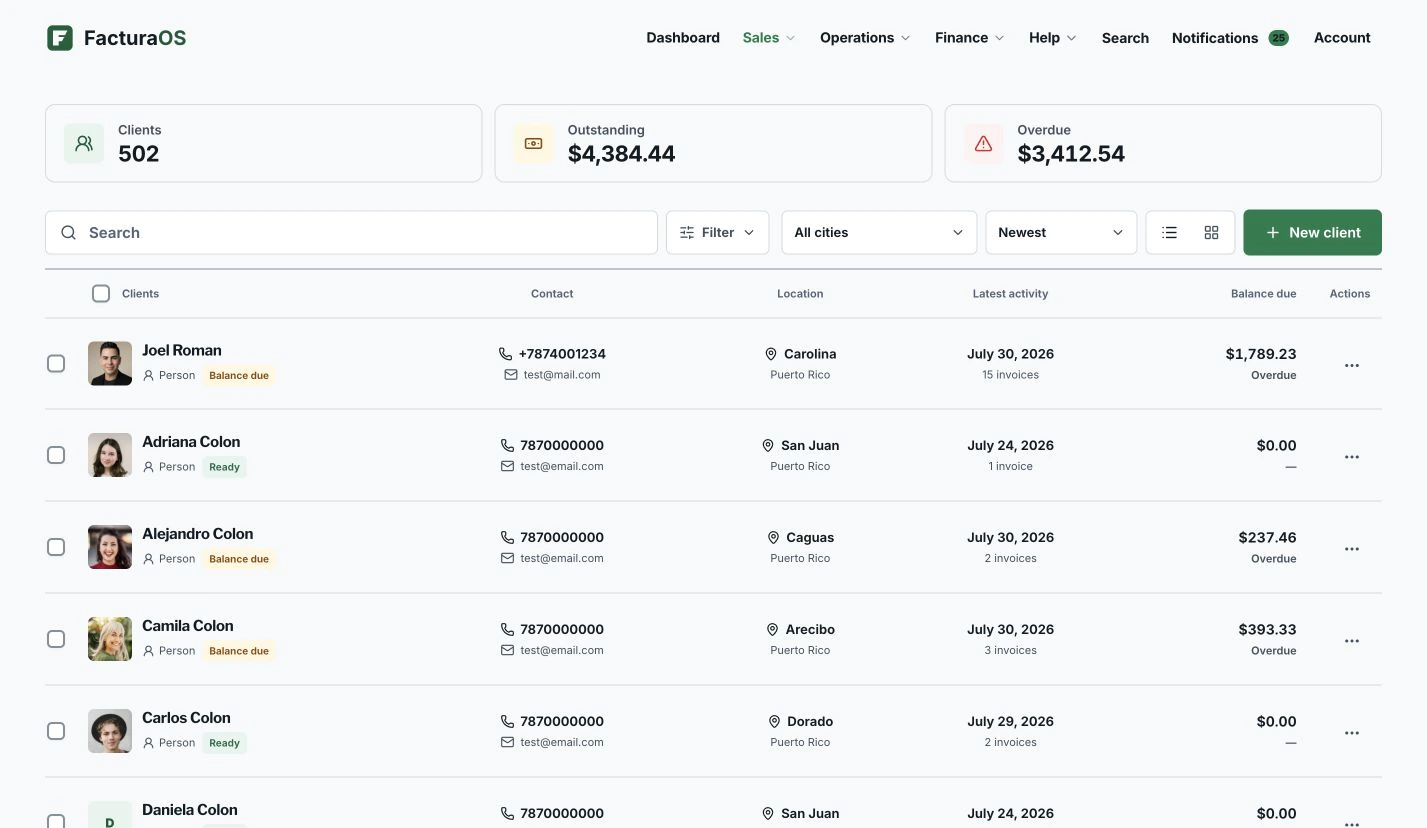
Keep client contact details, service addresses, notes, invoice history, photos, and route details in one place.
- Client profile
- Jobsite details
- Invoice history
- Route and service context
Your day, with fewer steps
Move from first action to follow-up without rebuilding the record.
Begin with context, do the work, and leave the record ready for what comes next.
Records
Everything you need before you knock on the door
A client record should help the next visit go faster: name, contact, address, notes, files, invoices, and recent activity stay together.
- Contact details
- Photos and files
- Invoice timeline
- Service notes
Reuse
One customer source for operations
Routes and invoices reuse the same client profile, so your team stops retyping addresses and customer names across tools.
- Create invoice from client
- Use client location for routes
- Keep billing history visible
- Search by name, status, or balance
Client context in motion
The customer record follows the job instead of living in another list.
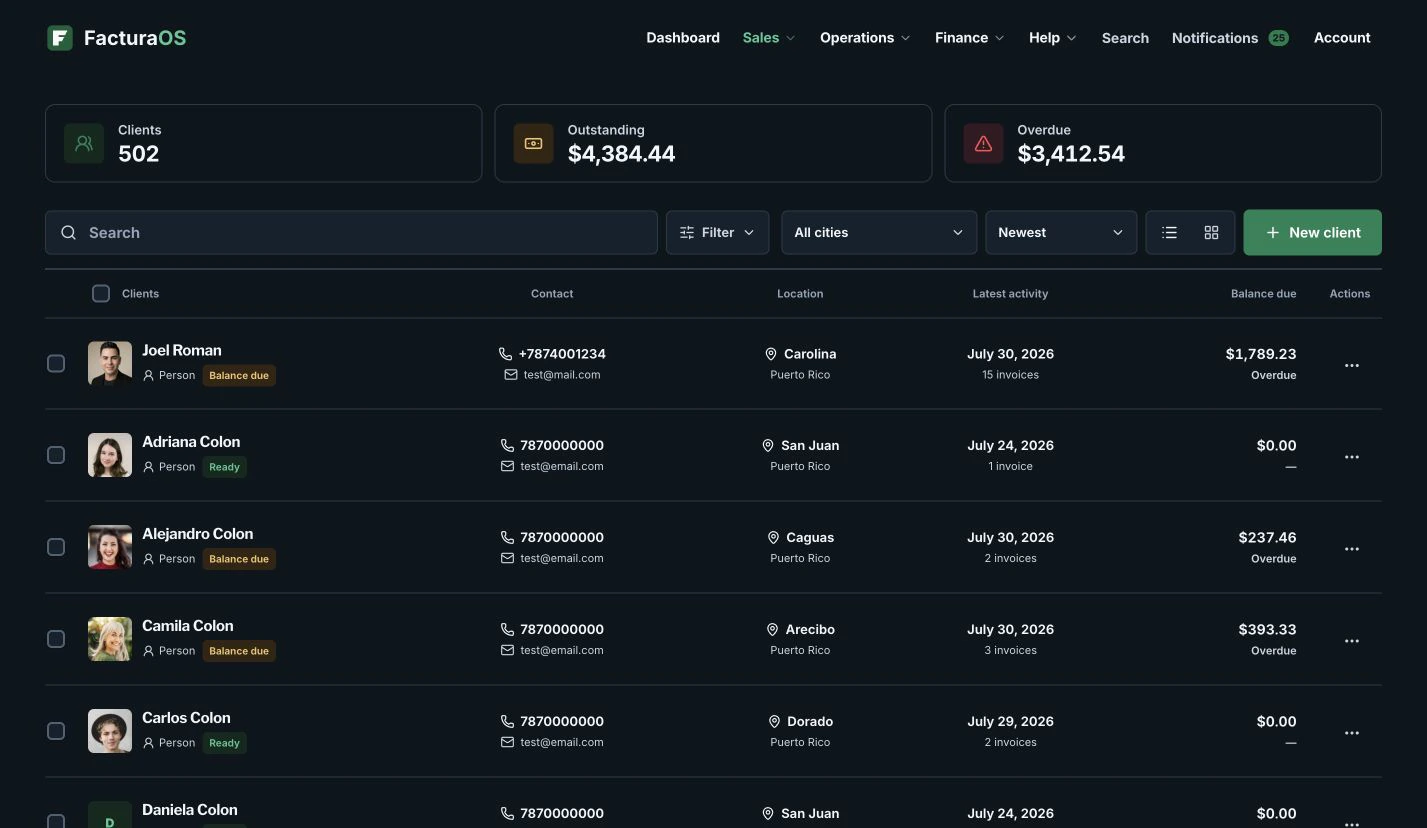
The operating summary shows the customer base at a glance, while every invoice keeps the client, dates, service, payment, and activity close to the work.
For repeat clients, jobsites, and service history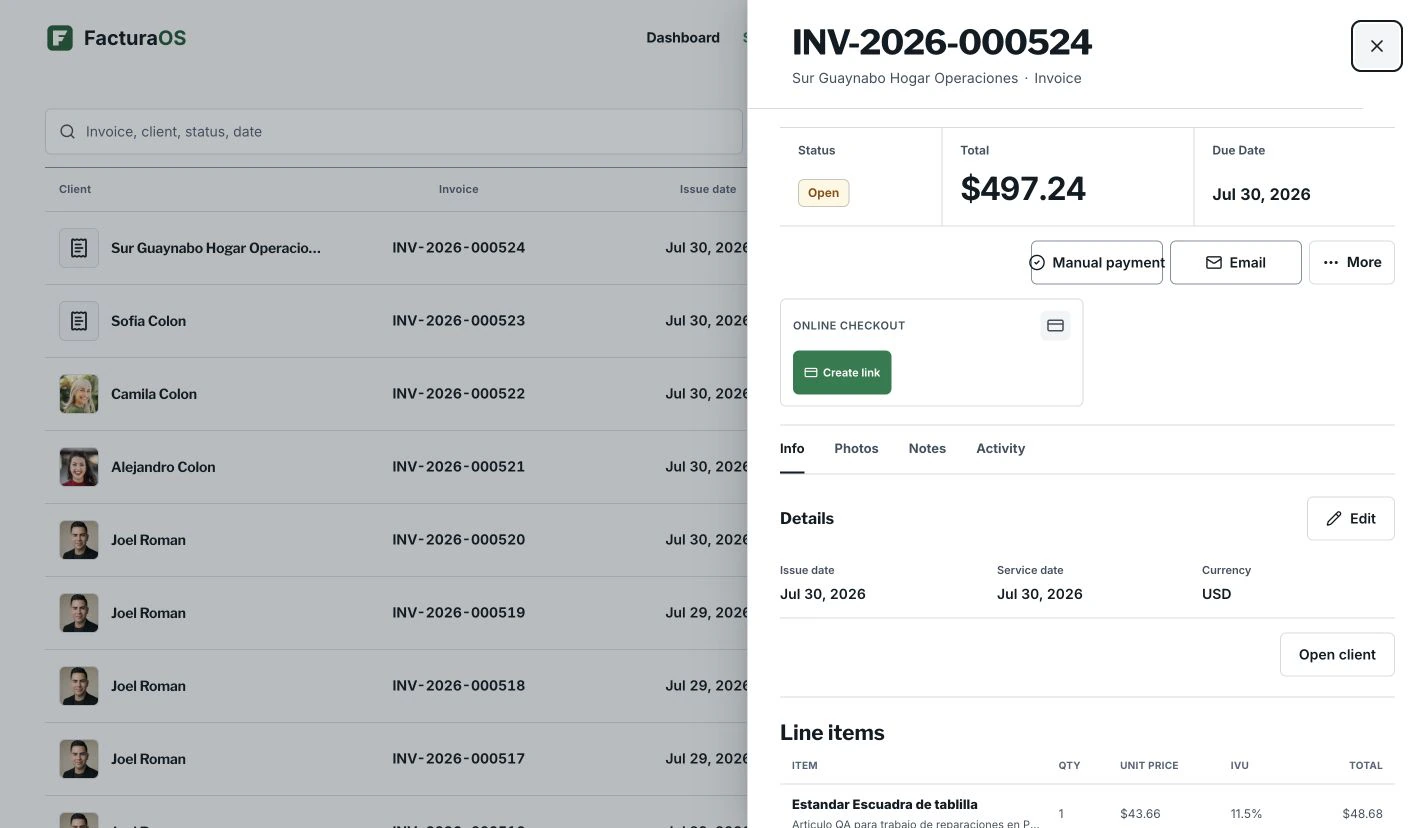
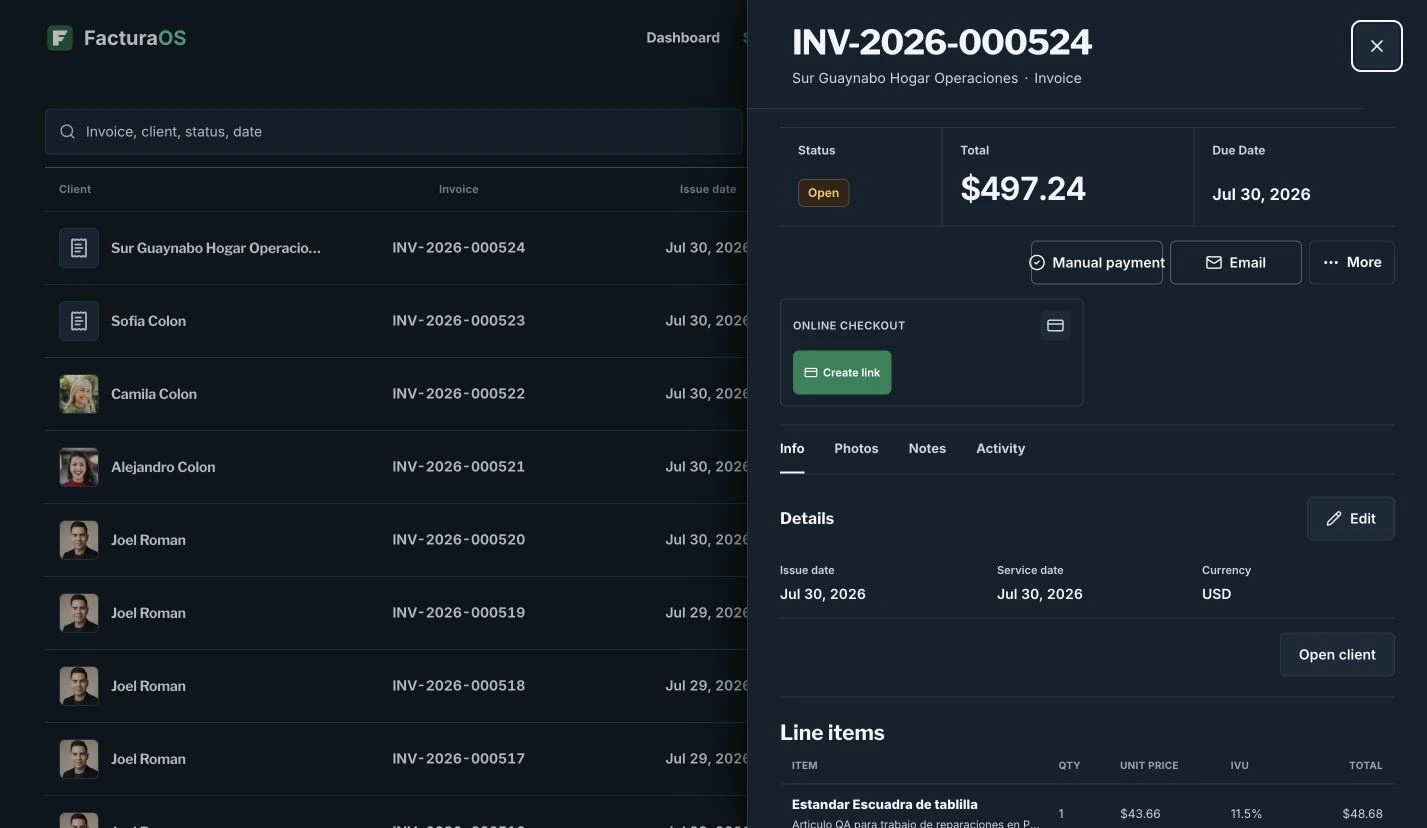
What stays close
The useful details remain part of the record.
- Client profile
- Jobsite details
- Invoice history
- Route and service context
Questions about this feature
Direct answers before you add this process to the day.
Does FacturaOS limit clients?
No. Individual, Pro, and PyME plans include unlimited clients.
Client management
Ready to bring this work into one place?
Open your business account and keep this feature connected to the rest of the service day.