Invoicing
Invoicing that matches real service work
Create estimates and invoices from saved clients, services, inventory, photos, payment instructions, and multiple customer-facing templates.
- Estimate-to-invoice process
- Multiple invoice templates for different job types
- Manual payment options, ATH Móvil details, and online card payments on eligible plans
- Invoices paid online are protected automatically
Your day, with fewer steps
Move from first action to follow-up without rebuilding the record.
Begin with context, do the work, and leave the record ready for what comes next.
From estimate to payment
The invoice is part of the job, not a disconnected file
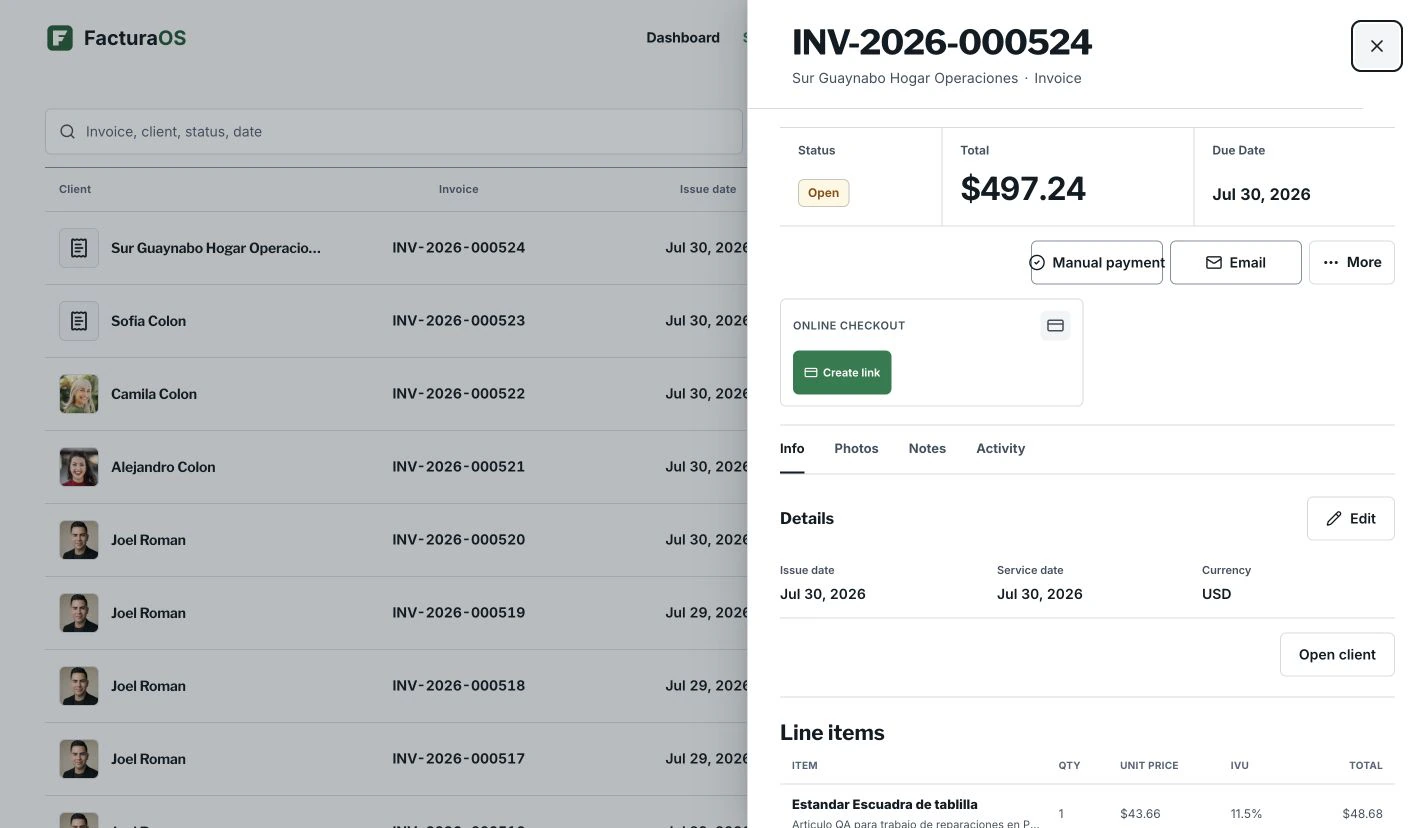
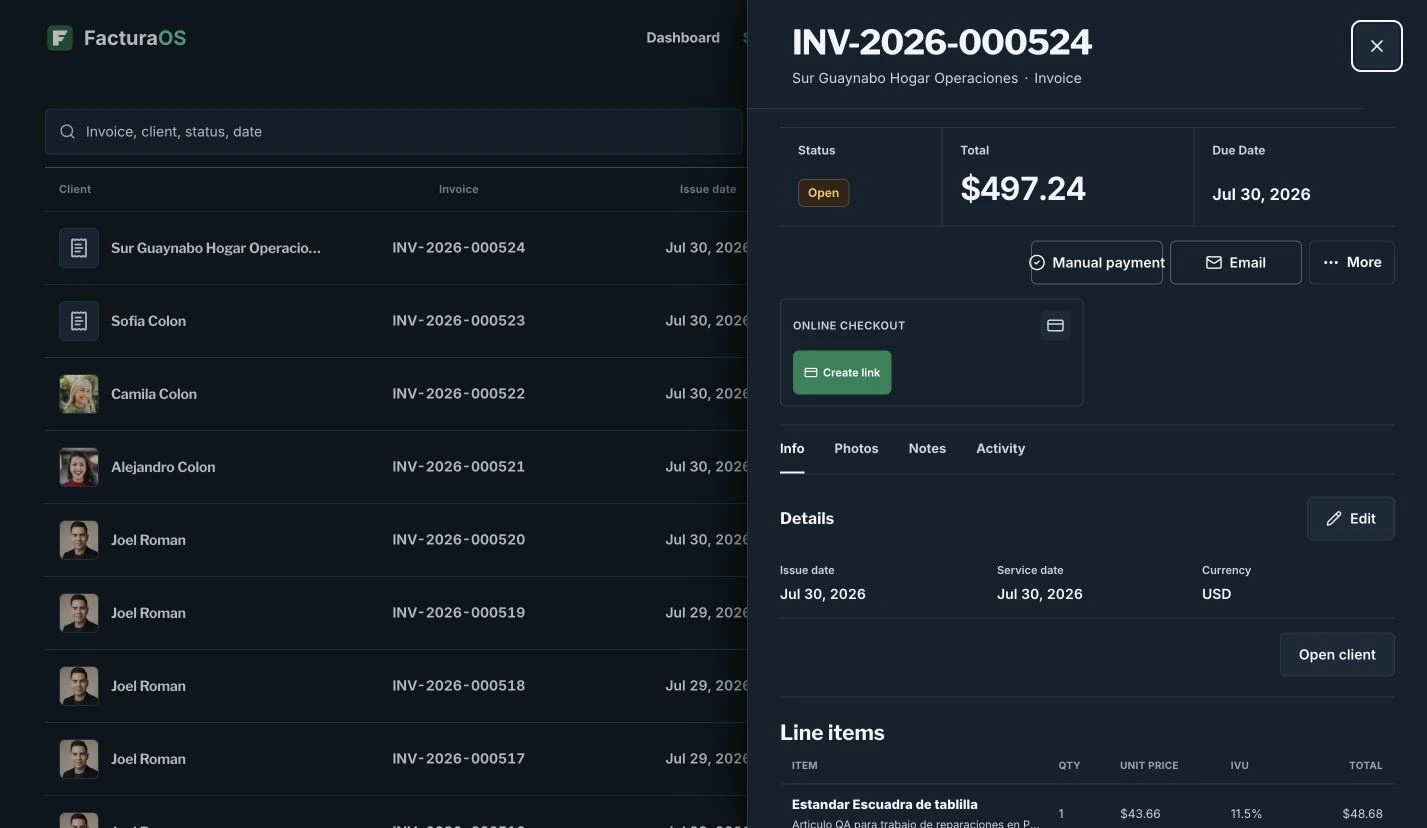
FacturaOS keeps the invoice connected to the customer, jobsite, service lines, payment method, evidence, and final status.
- Create drafts
- Convert estimates
- Send PDFs
- Confirm payment
Templates
Pick the invoice format that makes the work easier to understand
Use a clean statement when the customer needs a simple bill, a service-detail format when the job needs more context, and other templates when the work calls for them.
- Classic invoice
- Clean statement
- Service detail
- Options for different businesses
Online payment
Clear payment updates for you and your customer
When online card payments are active, customers get a simple payment page and FacturaOS marks the invoice paid once the payment is confirmed.
- Simple customer payment page
- Easy return to the invoice
- Payment status updates automatically
- Paid invoices stay protected
Invoice-ready work
Build the repeatable part once, then keep every customer invoice specific.
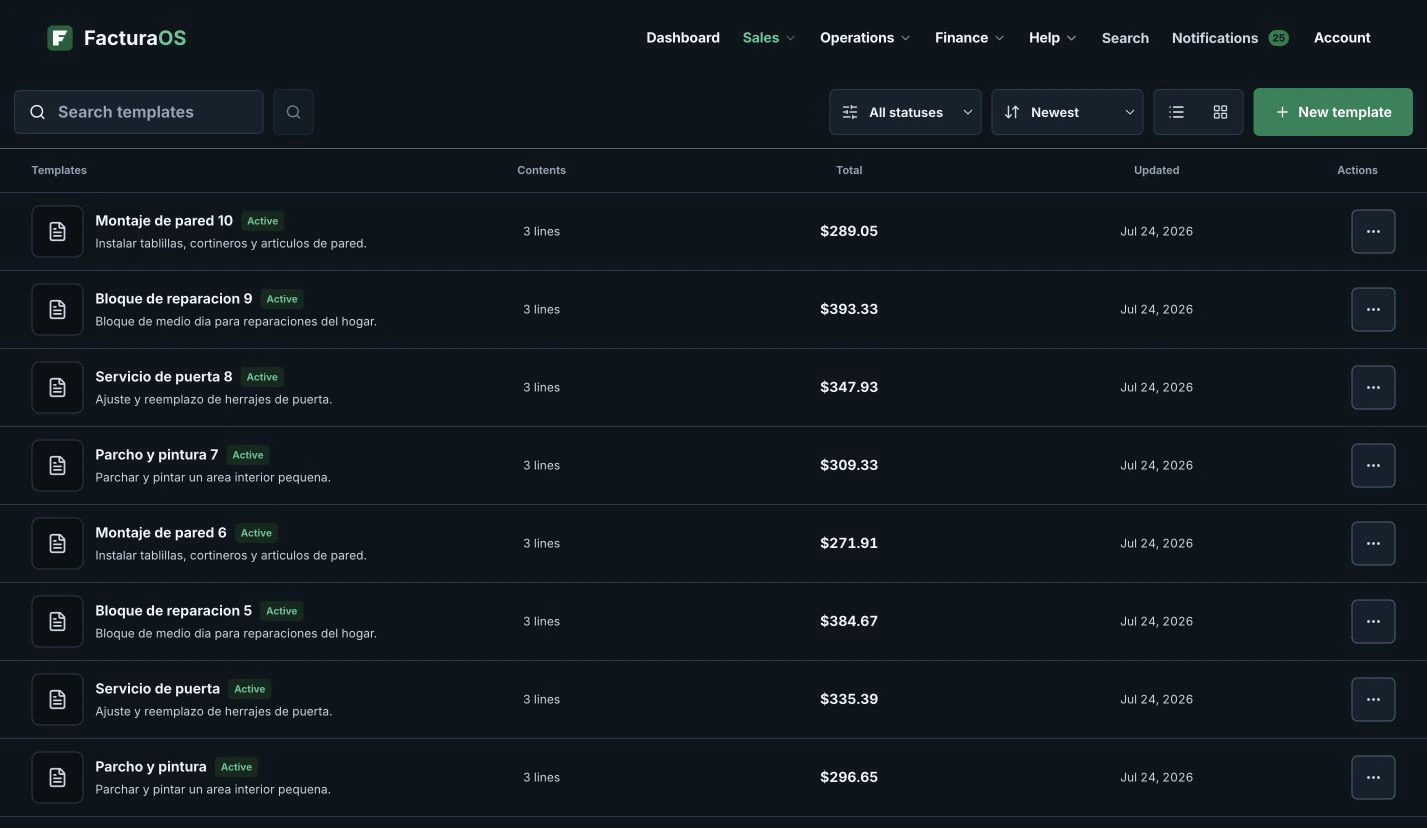
Reusable templates keep common services and prices ready, so the next invoice starts with the same clean structure without retyping the job.
For owners who quote, invoice, and collect from the field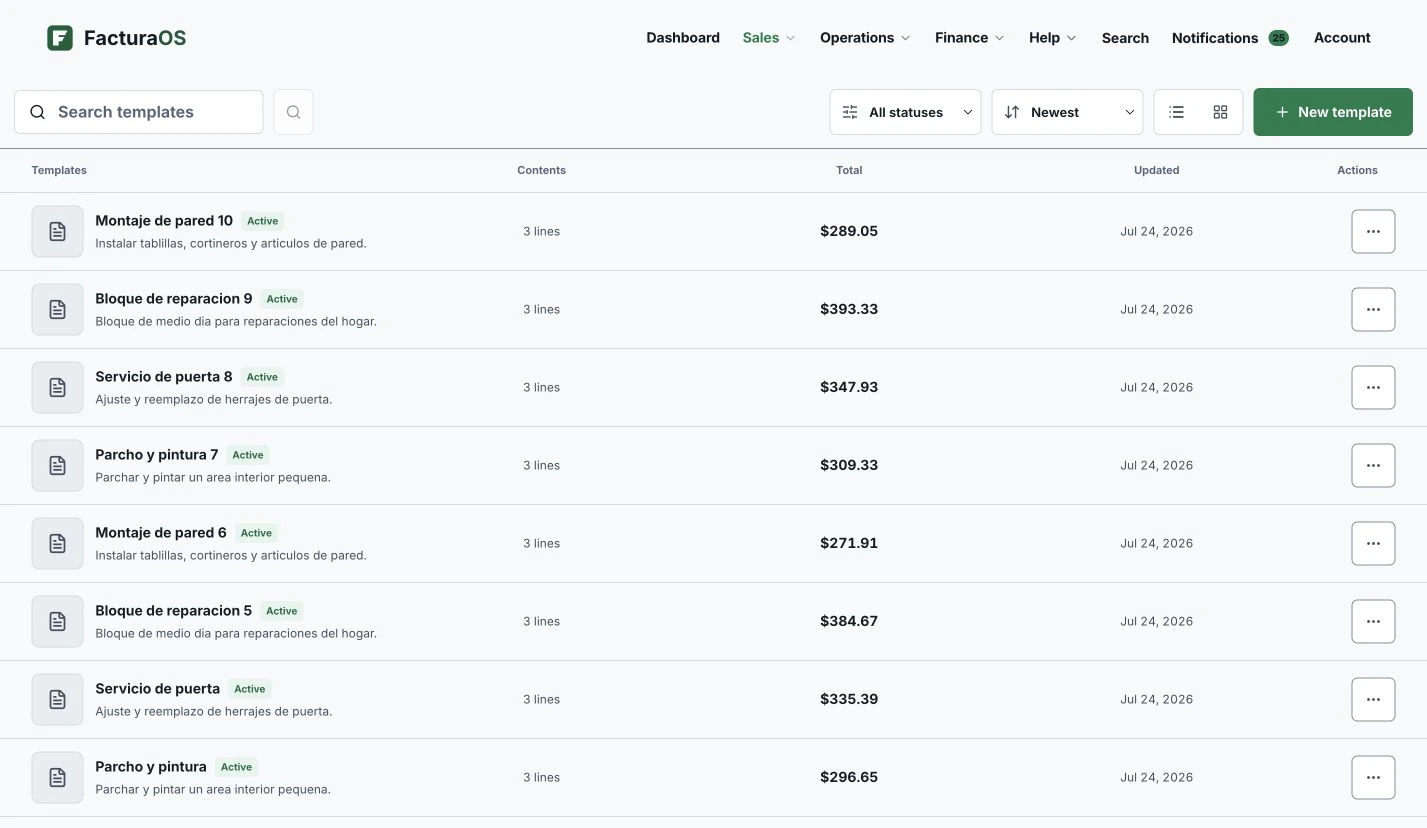
What stays close
The useful details remain part of the record.
- Estimate-to-invoice process
- Multiple invoice templates for different job types
- Manual payment options, ATH Móvil details, and online card payments on eligible plans
- Invoices paid online are protected automatically
- Customer-facing PDFs keep internal references out of the way
Questions about this feature
Direct answers before you add this process to the day.
Can I use FacturaOS without online payments?
Yes. You can record cash, ATH Móvil, or card-terminal payments and use FacturaOS to keep invoices and payment history organized.
Can customers pay an invoice link?
Eligible Pro and PyME accounts can add an online payment page to an invoice after payments are set up.
Can I choose different invoice templates?
Yes. FacturaOS supports multiple invoice formats so the customer PDF can match the job. Some additional formats depend on the plan and operating country.
Invoicing
Ready to bring this work into one place?
Open your business account and keep this feature connected to the rest of the service day.