
FacturaOS is operations software for service businesses; it does not provide tax, legal, or accounting advice.
Operational guide

Puerto Rico IVU invoicing: what to keep clear

A simple way to keep business details, service lines, IVU behavior, and payment notes readable.

Market
Puerto Rico
Records
Invoice lines
Review
Advisor-ready
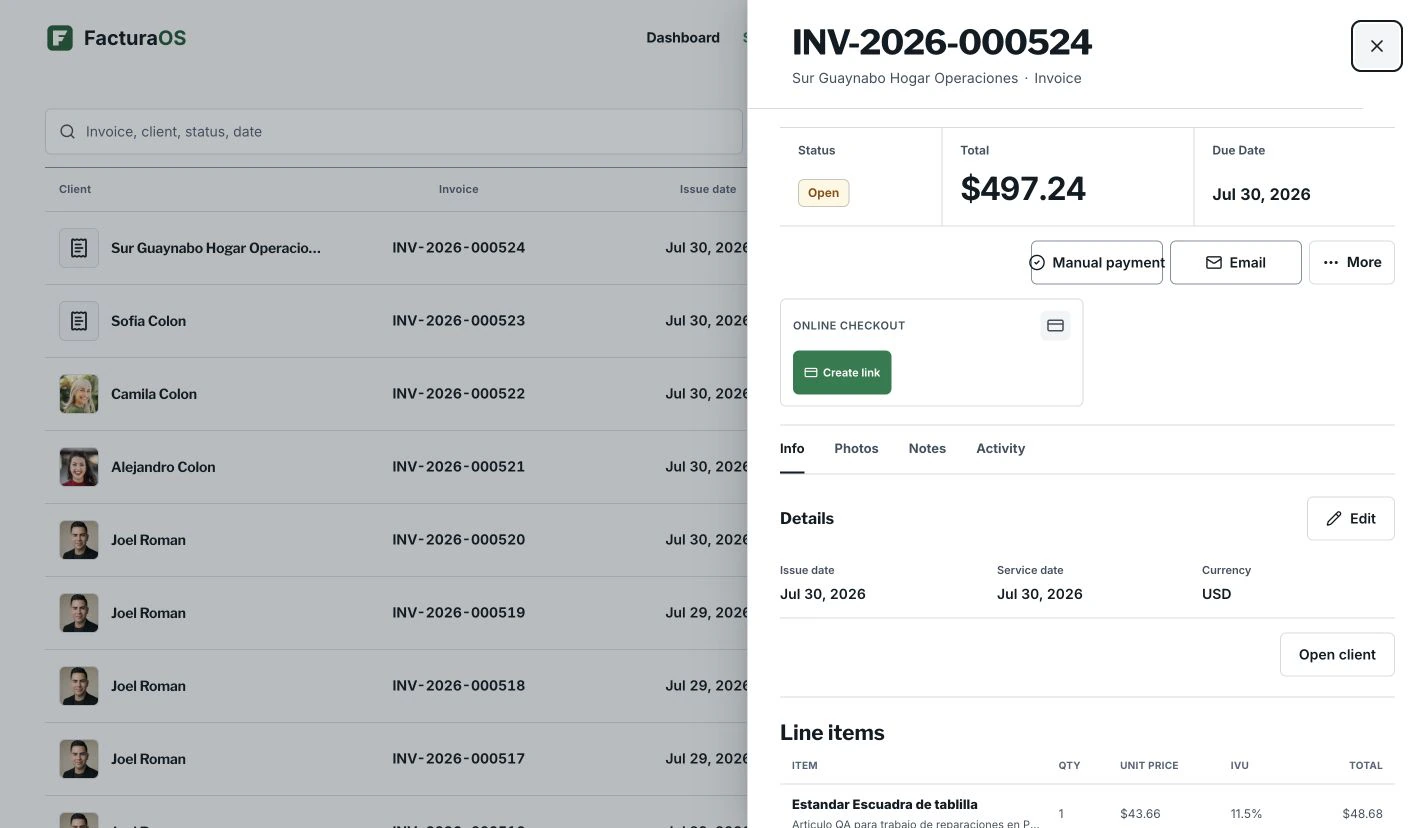
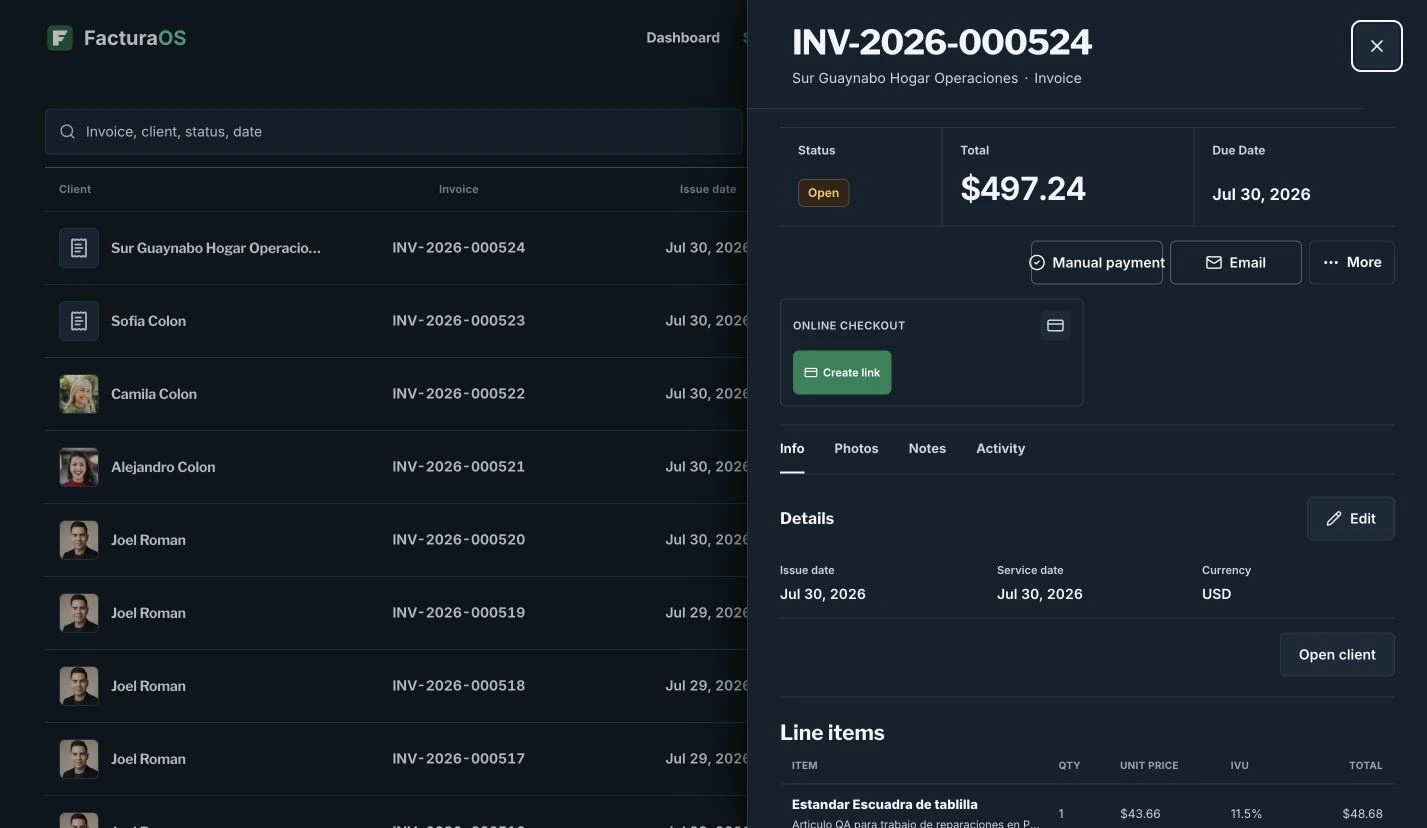
Puerto RicoProduct preview shown with example data.
FacturaOS product view for Puerto Rico IVU invoicing: what to keep clear, shown with example data.
Written and reviewed byFacturaOS Editorial Team
Step 1 · Foundation

Set the business context before the invoice

Before adding lines, confirm the business profile, client, service date, payment method, currency, and active market.

  • Business profile
  • Client record
  • Service date
  • Active market
Step 2 · Line items

Keep each service line understandable

Keep each line clear enough to review later: description, quantity, unit price, tax behavior, discount, and notes.

  • Description
  • Quantity
  • Unit price
  • Tax category
Guide summary

What to keep visible

Use these signals as a short review before changing the workflow.

FacturaOS

Continue in the product

See the product areas that support this workflow without rebuilding the same record in separate files.

FAQ

One useful check before you start

A direct answer to the question operators ask most about this workflow.

Is FacturaOS tax advice?

No. FacturaOS helps organize operational records. Tax decisions should be reviewed with a qualified advisor.

FacturaOS

Make the next operating step easier to see.

Put the guide into practice with clients, invoices, routes, suppliers, and reports in one workspace.

Activate now