

Team access
Give your team access without losing control
Invite teammates, choose what they can do, add paid team seats, and keep access clear as the business grows.
- Owner, Admin, Accountant, Manager, Staff
- Least access by role
- Email invitations
- Change or remove access
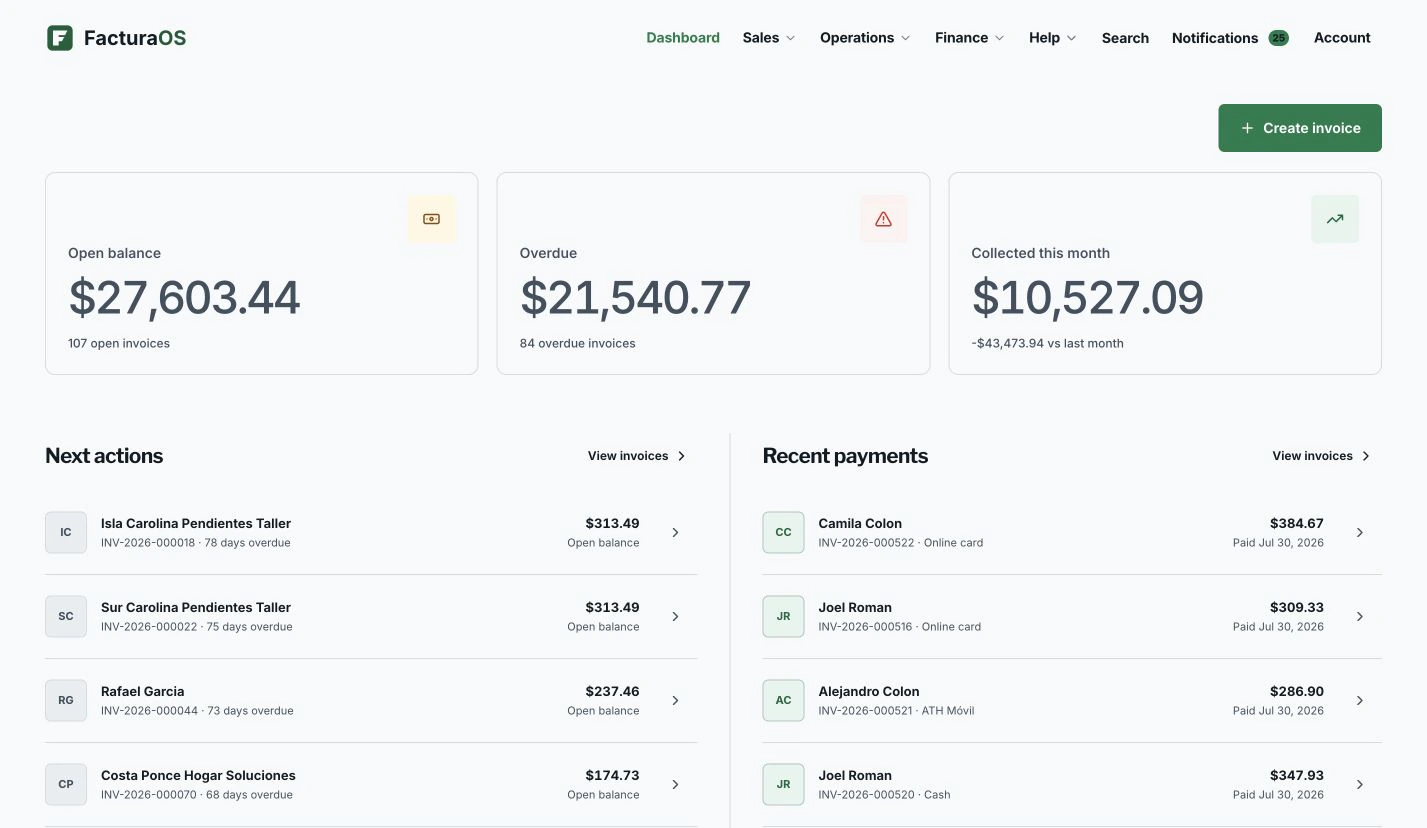
Your day, with fewer steps
Move from first action to follow-up without rebuilding the record.
Begin with context, do the work, and leave the record ready for what comes next.
Access
Team access with clear billing
Each paid seat lets one person join the business account. Owner controls billing and security; Admin manages the workspace; Accountant reviews financial records; Manager runs daily operations; and Staff remains read-only.
- Owner
- Admin
- Accountant
- Manager
- Staff
A business account with clear boundaries
Daily work stays clear while administrative controls stay deliberate.
The daily overview keeps the business easy to understand, while settings hold team access, billing, language, connected services, and business controls.
For businesses growing beyond owner-only access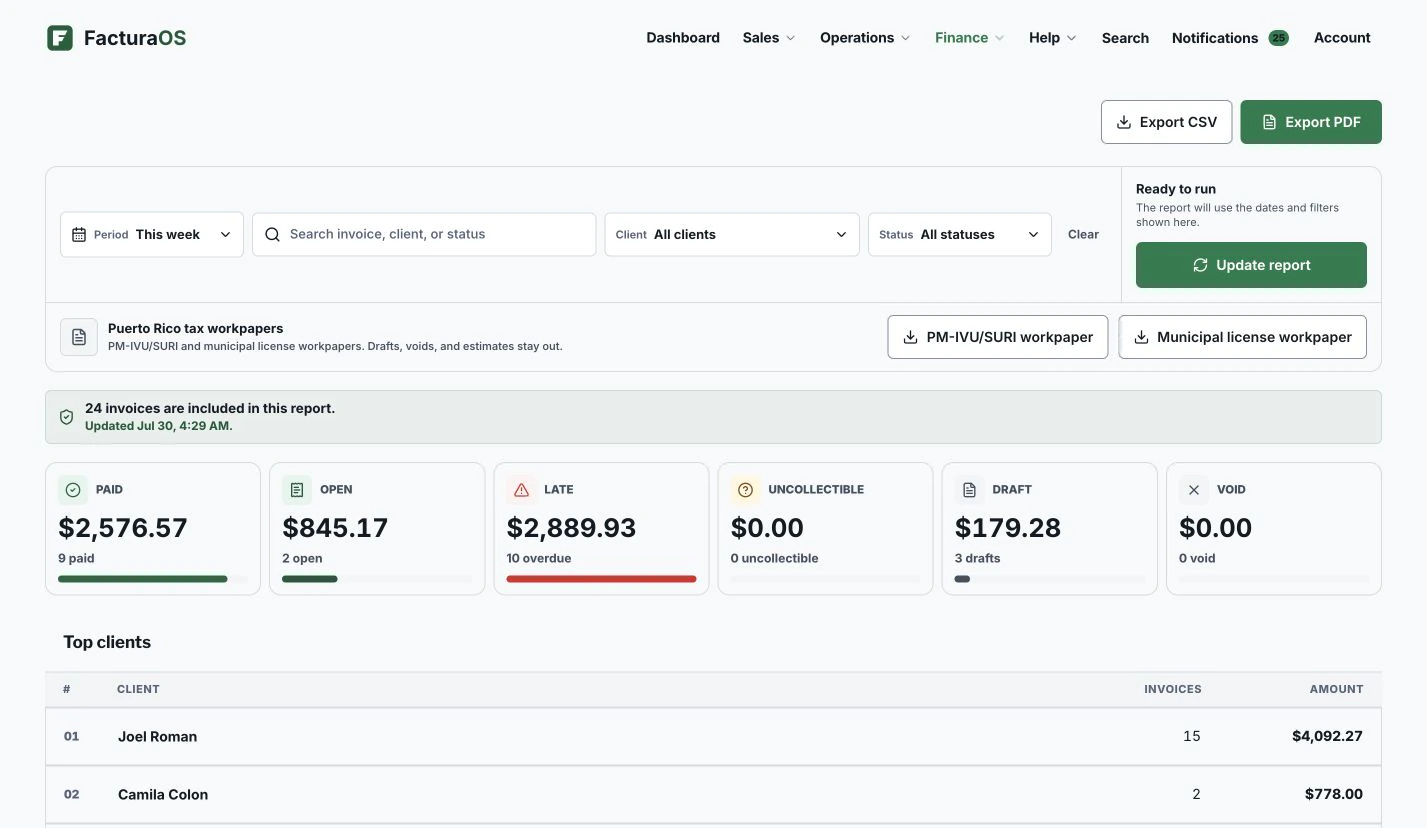
What stays close
The useful details remain part of the record.
- Owner, Admin, Accountant, Manager, Staff
- Least access by role
- Email invitations
- Change or remove access
Questions about this feature
Direct answers before you add this process to the day.
Can Individual invite team members?
No. Individual is for the owner only. Pro and PyME let you add paid seats and invite teammates.
Team access
Ready to bring this work into one place?
Open your business account and keep this feature connected to the rest of the service day.