

Route planning
Route planning for service days
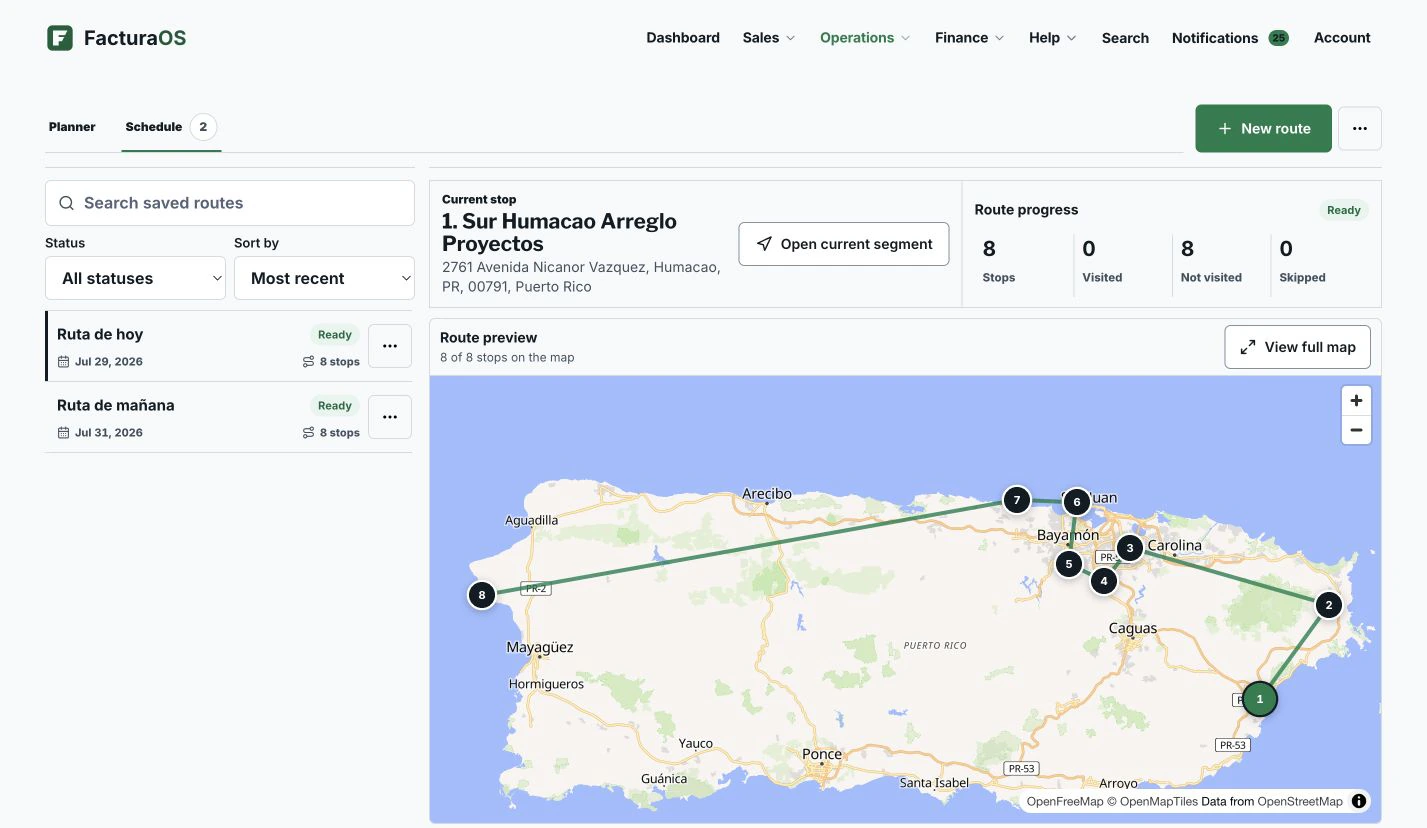
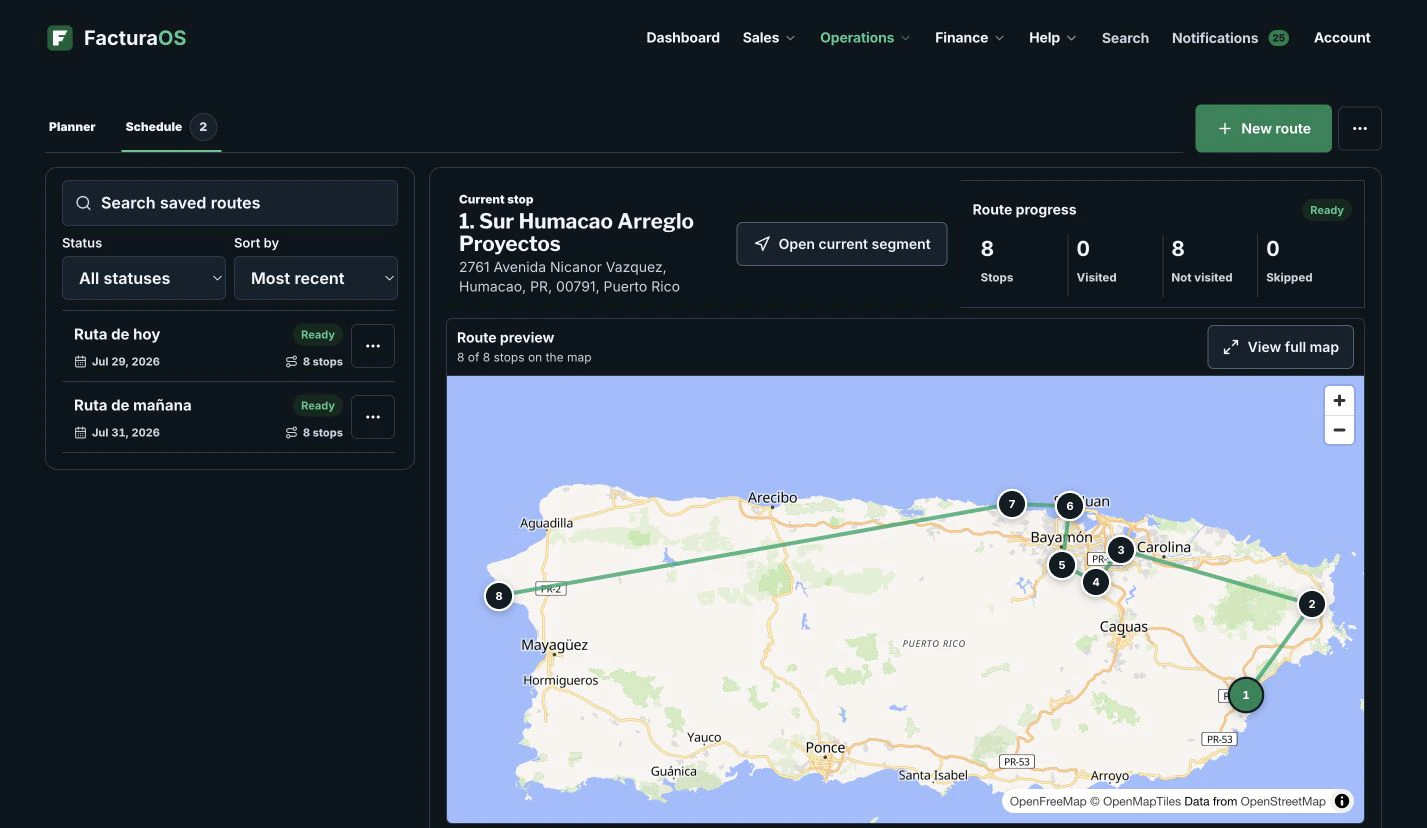
Plan routes from saved client locations, open directions, and keep the team focused on the next stop.
- Client locations
- Saved route days
- Easy mobile start
- Open in Google Maps
Your day, with fewer steps
Move from first action to follow-up without rebuilding the record.
Begin with context, do the work, and leave the record ready for what comes next.
In the field
Routes that behave like a field tool
Routes use the saved client location first and the written address when needed. The client name and address stay visible for every stop.
- Start route without hunting
- Open next stop
- Use client coordinates
- Share route summary
The field day connects
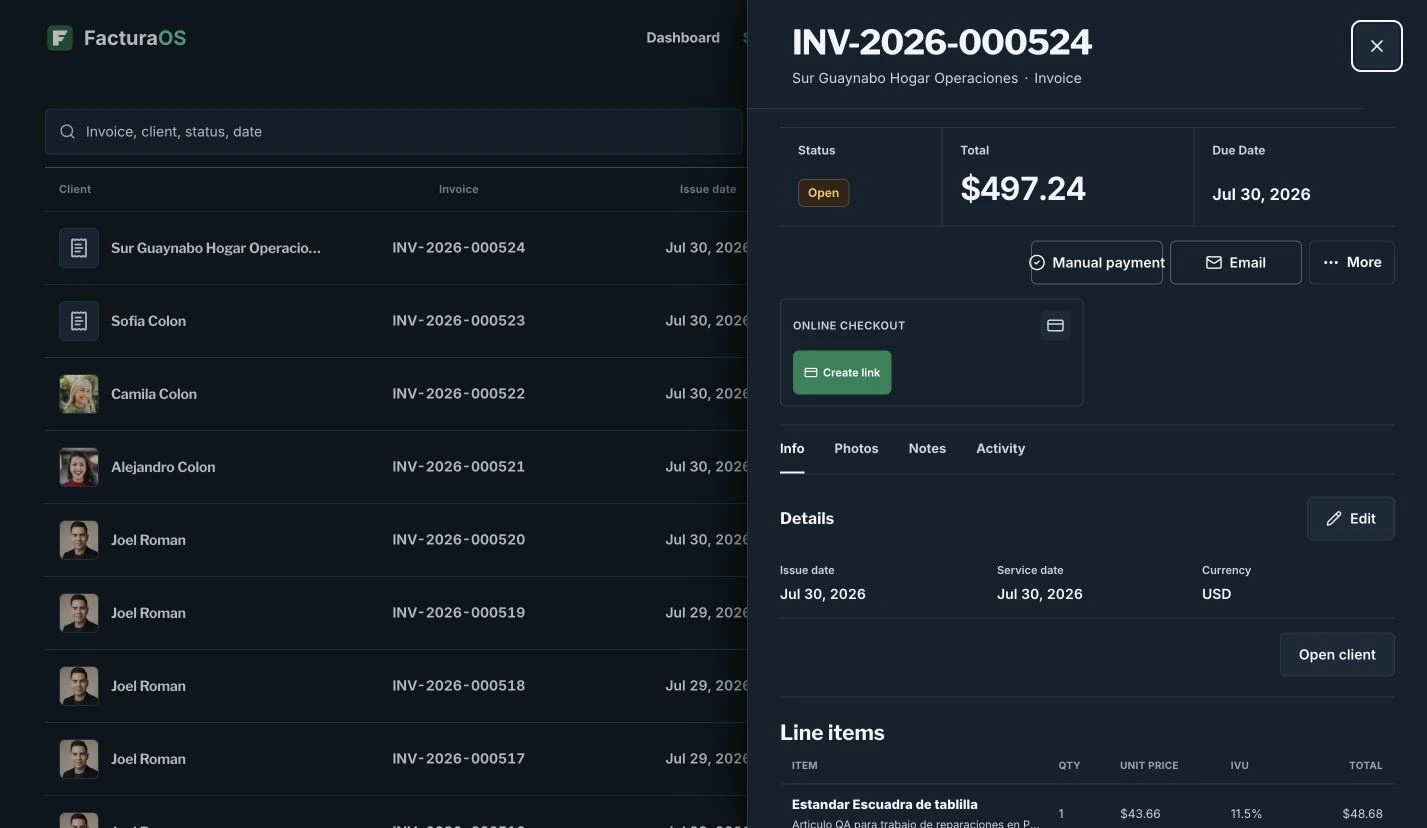
The route board leads into the invoice instead of ending at navigation.
Each stop keeps the customer, address, details, map state, and invoice action within reach, so the route can end in a complete record.
For service teams with multiple stops per day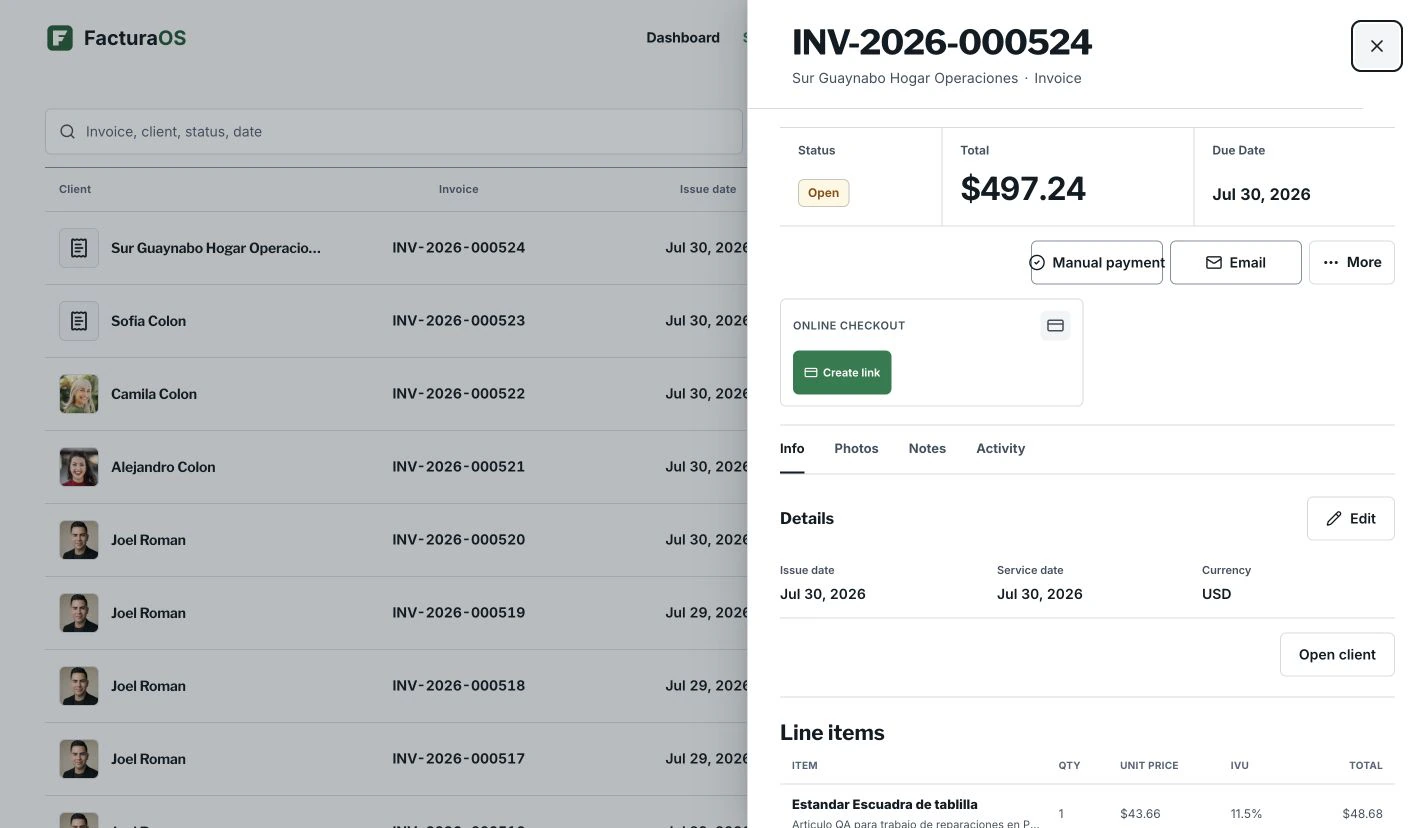
What stays close
The useful details remain part of the record.
- Client locations
- Saved route days
- Easy mobile start
- Open in Google Maps
Questions about this feature
Direct answers before you add this process to the day.
Which plans include routes?
Route planning is available on Pro and PyME plans.
Route planning
Ready to bring this work into one place?
Open your business account and keep this feature connected to the rest of the service day.