
FacturaOS is operations software for service businesses; it does not provide tax, legal, or accounting advice.
Resources

Guides for cleaner service days.

Short guides for owners cleaning up invoices, routes, suppliers, and reports before the day gets noisy.

All guides

Practical operating articles

Use the map first, then open the guide that matches the operational problem in front of you.

1. Clean up billing

Invoices, IVU, payment status, and follow-up that should stay easy to review.

01Guide

Organize overdue invoices without rebuilding a spreadsheet

Start with status, due date, and next action. Keep the record, but make the follow-up list easy to see.

Read guide
02Puerto Rico

Puerto Rico IVU invoicing: what to keep clear

A simple way to keep business details, service lines, IVU behavior, and payment notes readable.

Read guide

2. Run the next service day

Routes, suppliers, and job details that help the next service day move with less searching.

03Routes

Plan service routes from the same client list

Turn saved clients into a route day you can review, share, and open in maps.

Read guide
05Suppliers

Keep suppliers and material spend next to the job

Keep supplier records, purchases, receipts, and material spend close to the job that caused them.

Read guide

3. Review before the month closes

Warning signs, exports, and reports for a cleaner month-end review.

04Operations

When to stop running invoices from spreadsheets

The signs that spreadsheets and PDF templates are slowing down the work instead of helping it.

Read guide
06Reports

Prepare invoice reports before the accountant asks

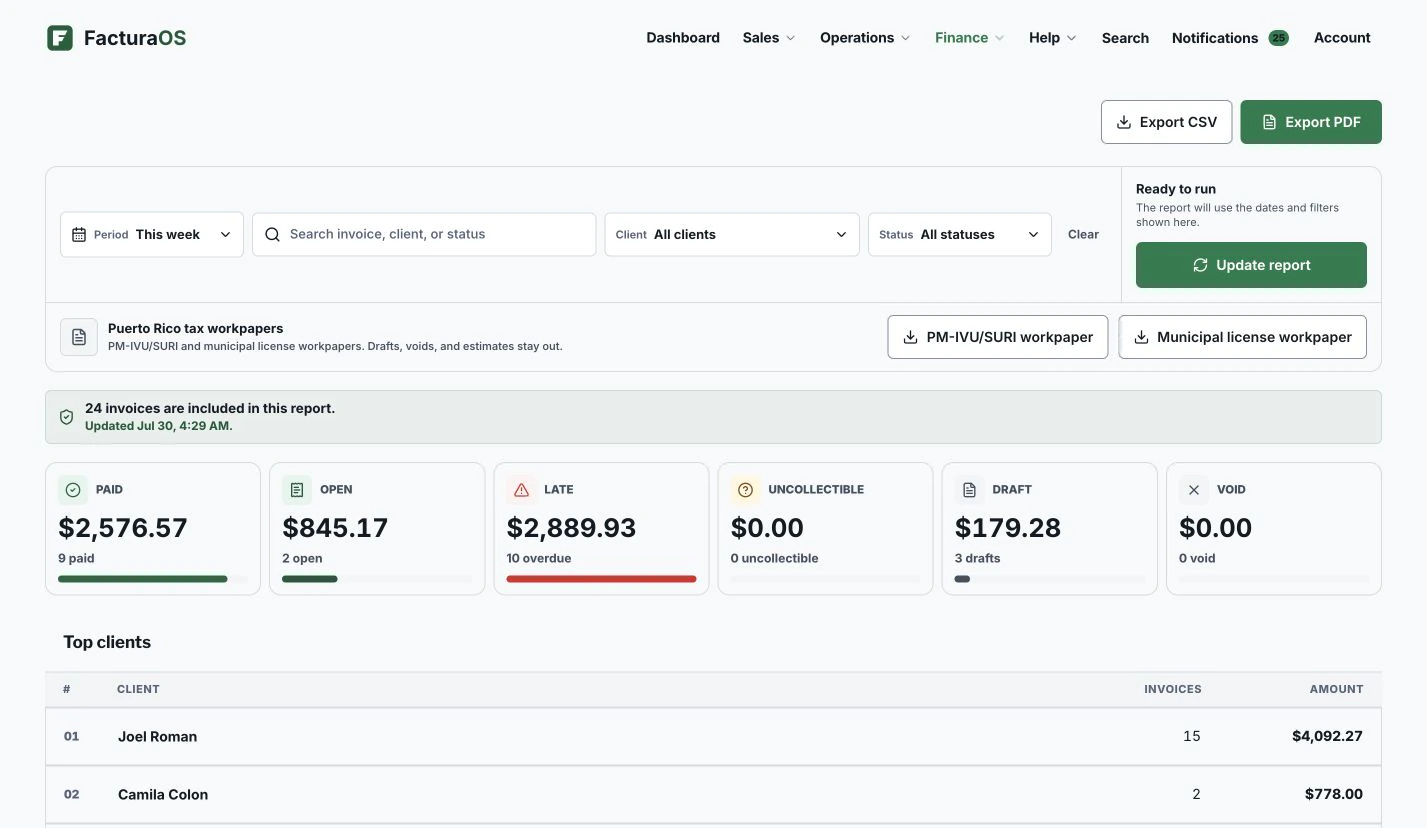
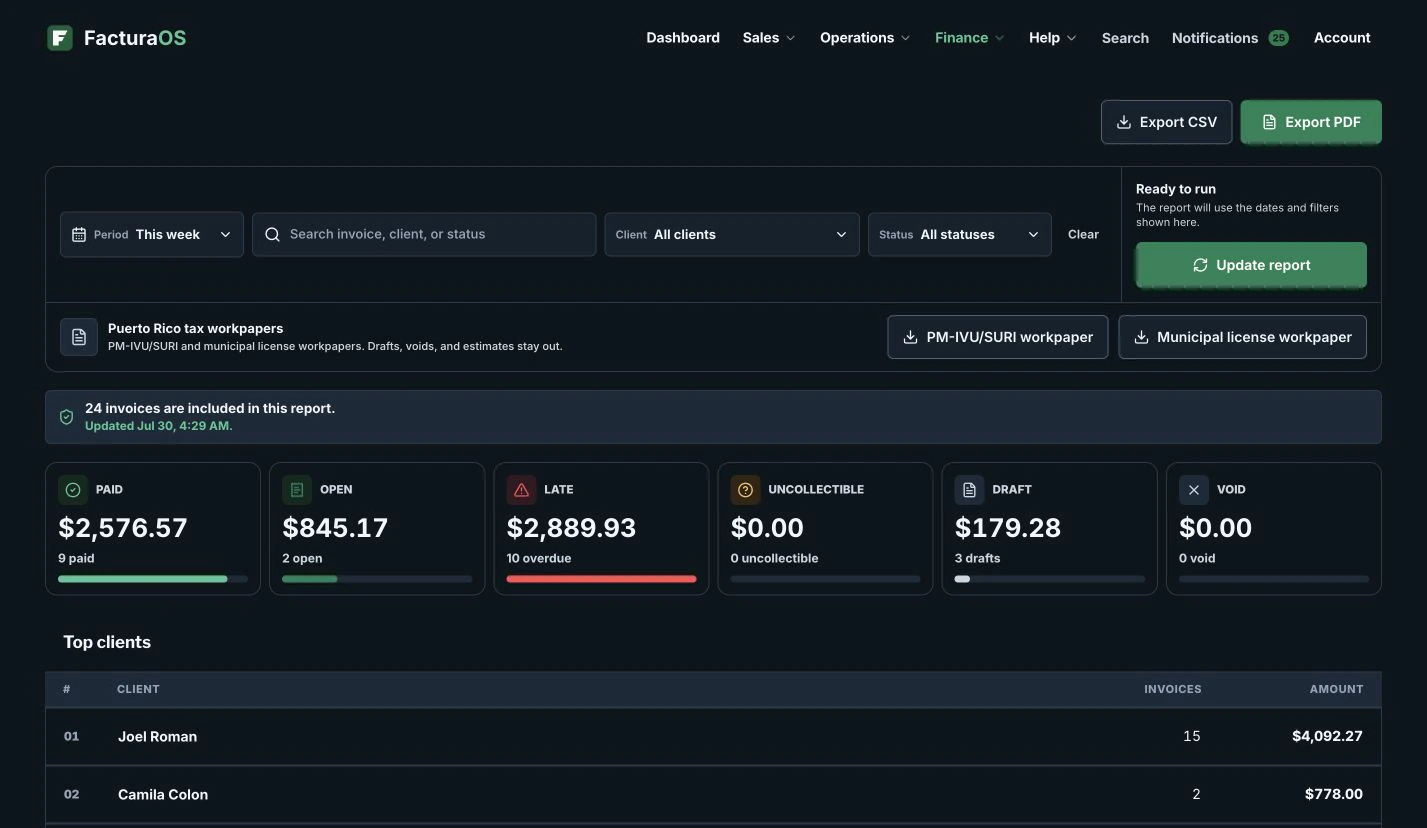
Use saved reports, invoice statuses, client totals, and export history to make monthly review less painful.

Read guide

Turn the next guide into action.

Open FacturaOS and start with the next client, invoice, or payment.

Activate now