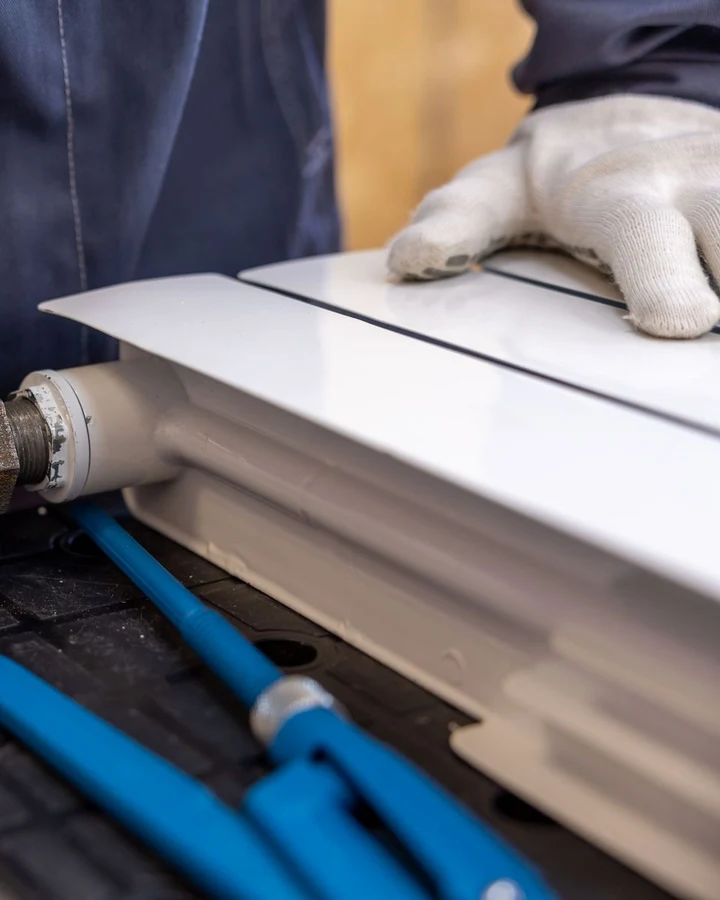
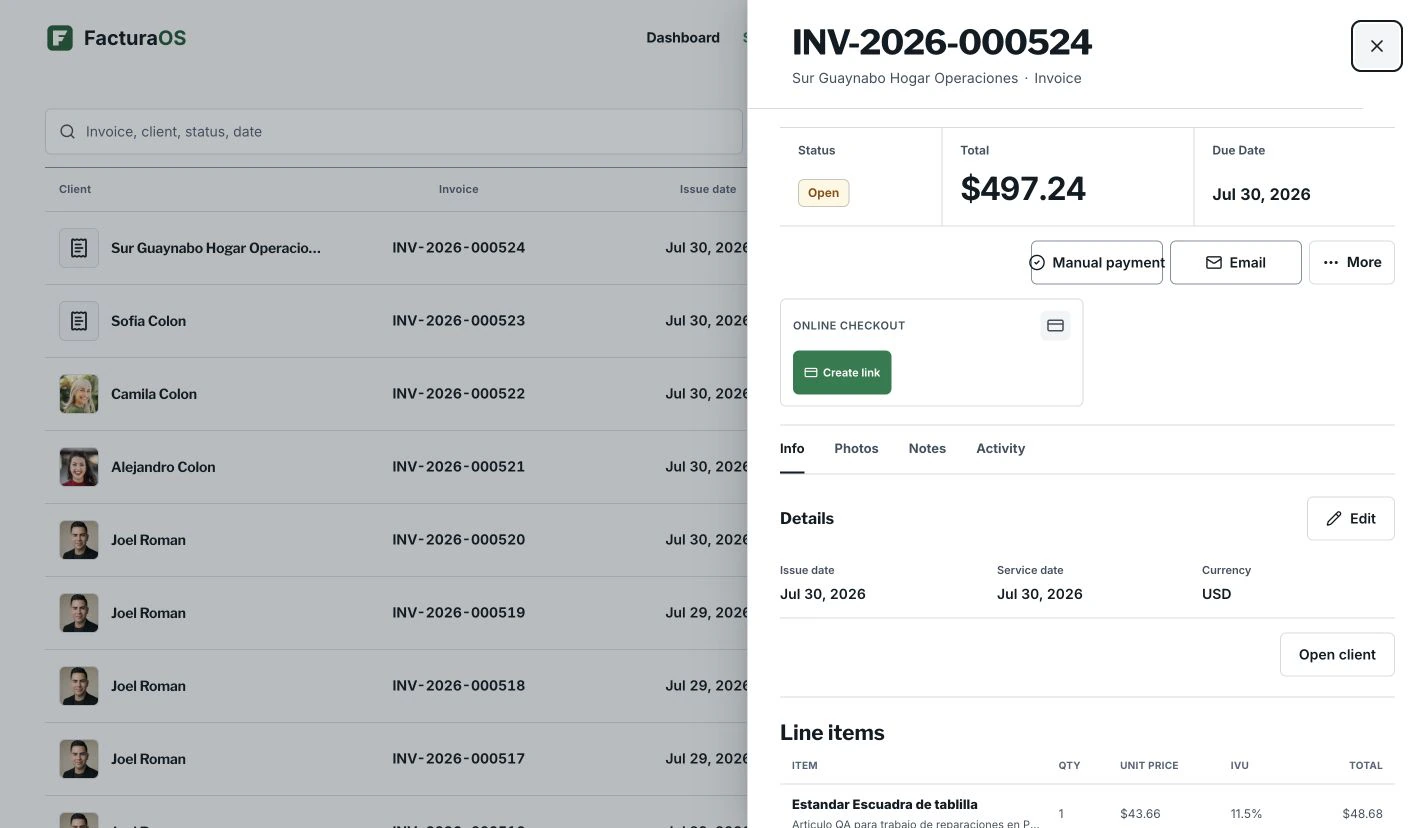
Keep emergency calls, recurring maintenance, parts, photos, deposits, paid status, and follow-ups in one place, so the next visit, invoice, or follow-up starts with context instead of another search.
Built for service daysFor plumbers that want the next client, invoice, and follow-up easy to find
Example account
app.facturaos.com
Which plan fits
Begin simple. Add control only when the work asks for it.
01Individual
Start
02Pro
Daily rhythm
03Pro
License format
Your day, step by step
The day can stay specific without becoming scattered.
Save the details, move the job forward, and leave the next action obvious.
01
Keep the day moving
Give each job a clear place to land
Keep emergency calls, recurring maintenance, parts, photos, deposits, paid status, and follow-ups where the team can find them. The next visit starts with context instead of a search through old messages.
Client
Job details
Price
Next step
02
License path
Keep license details close without slowing down the visit
Emergency calls and maintenance visits move faster when parts, photos, balances, and follow-up stay together. If a Puerto Rico plumbing invoice needs license details, Pro and PyME keep them close to the customer record.
Daily work on Pro
Plumbing license format
Puerto Rico only
Confirm current requirements
Inside a working day
Turn job context into a record the business can use again.
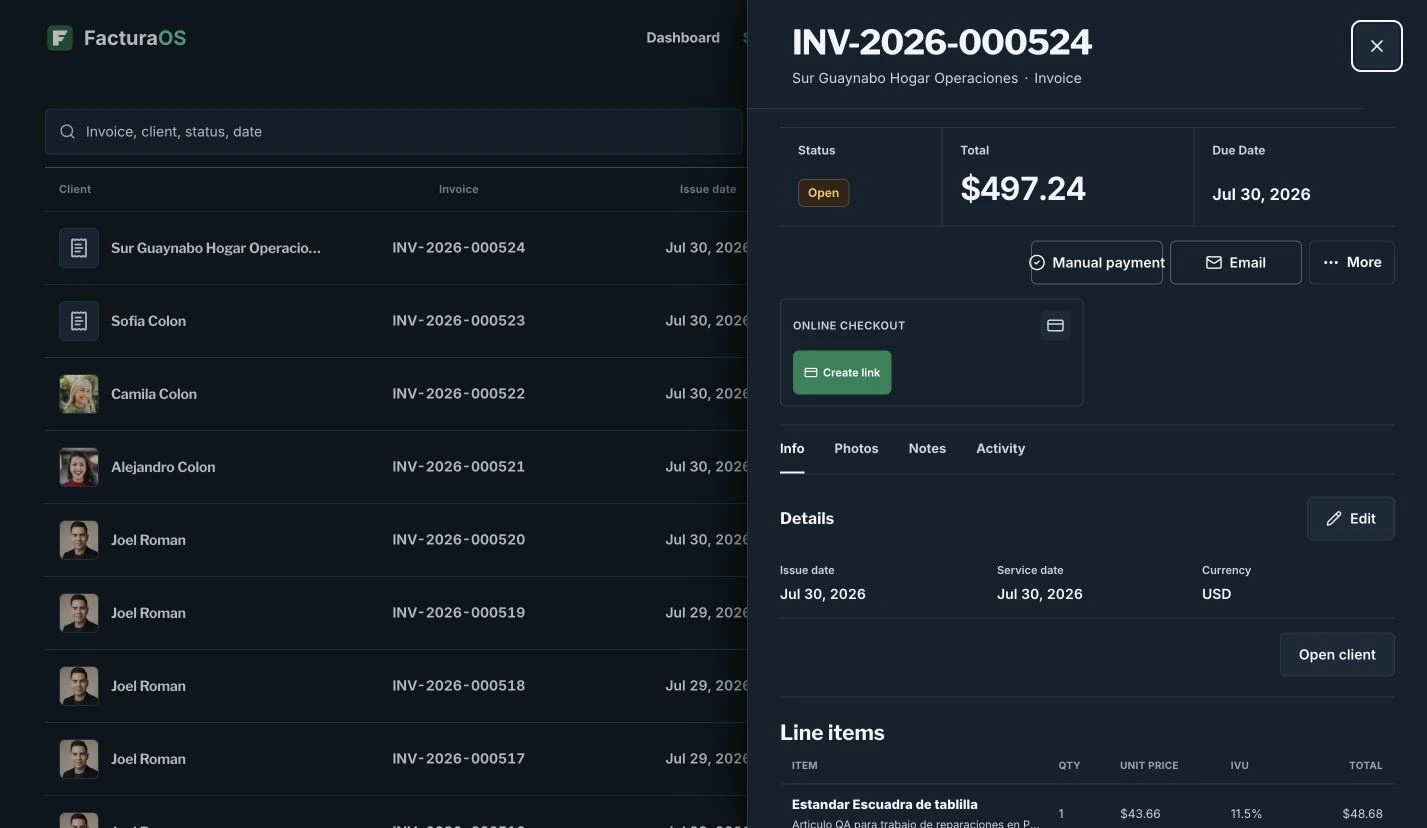
Everything you save on the job stays connected to the customer record.
Invoice detail
app.facturaos.com
For this kind of work
The work stays connected from the first customer to the final review.
Start with the pieces that remove friction now. Add the rest as the operating day becomes more complex.
For plumbers that want the next client, invoice, and follow-up easy to find
Customer history
Estimate to invoice
Plumbing license details on Pro
Follow-up before it slips
Questions before you move the work
Direct answers about fit, getting started, and country-specific details.
Can I use FacturaOS outside Puerto Rico?
Yes. FacturaOS supports enabled markets including Puerto Rico, the United States, Dominican Republic, Colombia, El Salvador, Ecuador, Mexico, Paraguay, and the U.S. Virgin Islands. Pick one active market at a time so local details stay clear.
Do I need to change my whole process first?
No. Start with clients, estimates, invoices, and payment follow-up. Add routes, suppliers, templates, reports, or team roles only when they make the work easier.
Are Puerto Rico professional license invoice formats available outside Puerto Rico?
No. Puerto Rico professional license invoice formats are Puerto Rico-only Pro and PyME features. They are designed to show active license or credential context on invoices, but you should confirm current requirements with your regulator or accountant.