Best for
Enabled operating market
US service business software without the busywork
Keep clients, estimates, invoices, service areas, and reports together without turning every job into admin cleanup.
- Clients and invoices
- Service areas
- Reusable services
- Clear reports
🇺🇸United StatesEnabled operating market
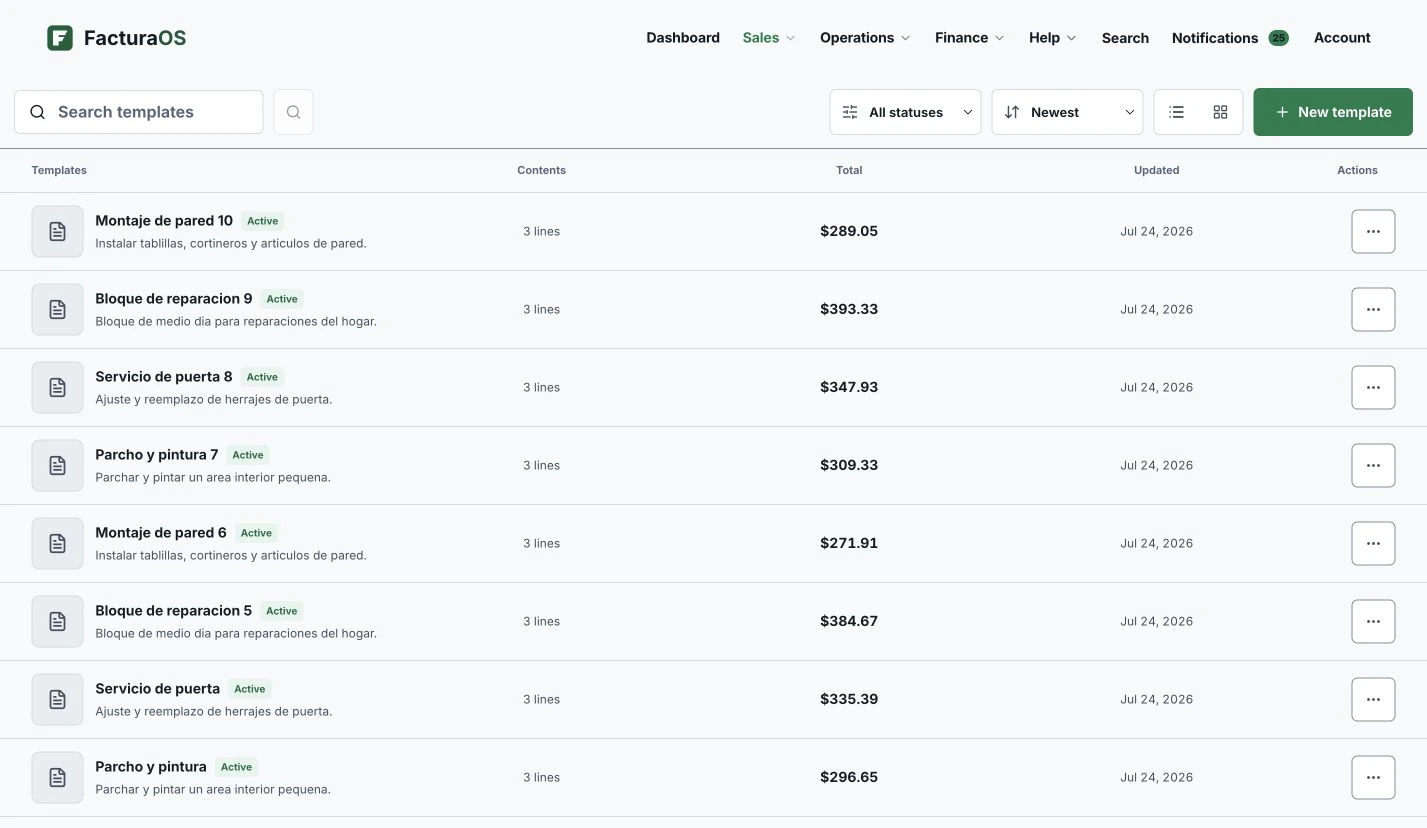
Example account
United States
For US service owners who want jobs, invoices, and follow-up in one place
Records
Flow
Service-area operations
Move from the jobsite to the invoice with less admin cleanup.
Keep service areas, repeat jobs, customer addresses, and team handoffs visible without splitting the work across separate tools.
Market boundary
One operating country keeps local settings clear.
Your account works in one country at a time, so invoices, taxes, and records always match where you operate.
Daily operating path
Market context should support the work—not interrupt it.
Start with the customer, move the work forward, and leave the next action obvious.
Start clean
Give every job a home
Keep the customer, job address, estimate, invoice, and next step together so the work does not disappear into texts.
- Customers
- Jobsites
- Estimates
- Invoices
Repeat work
Stop retyping the same job
Use saved services and templates so repeat work is faster to price, send, and follow up.
- Services
- Templates
- Suppliers
- Notes
Owner view
Know where the business stands
See what has been billed, paid, drafted, or delayed before the next busy week starts.
- Business overview
- Reports
- Balances
- History
What you see when invoicing
Country settings sit behind a process owners can recognize.
This is the same product you get on day one — shown with example data.
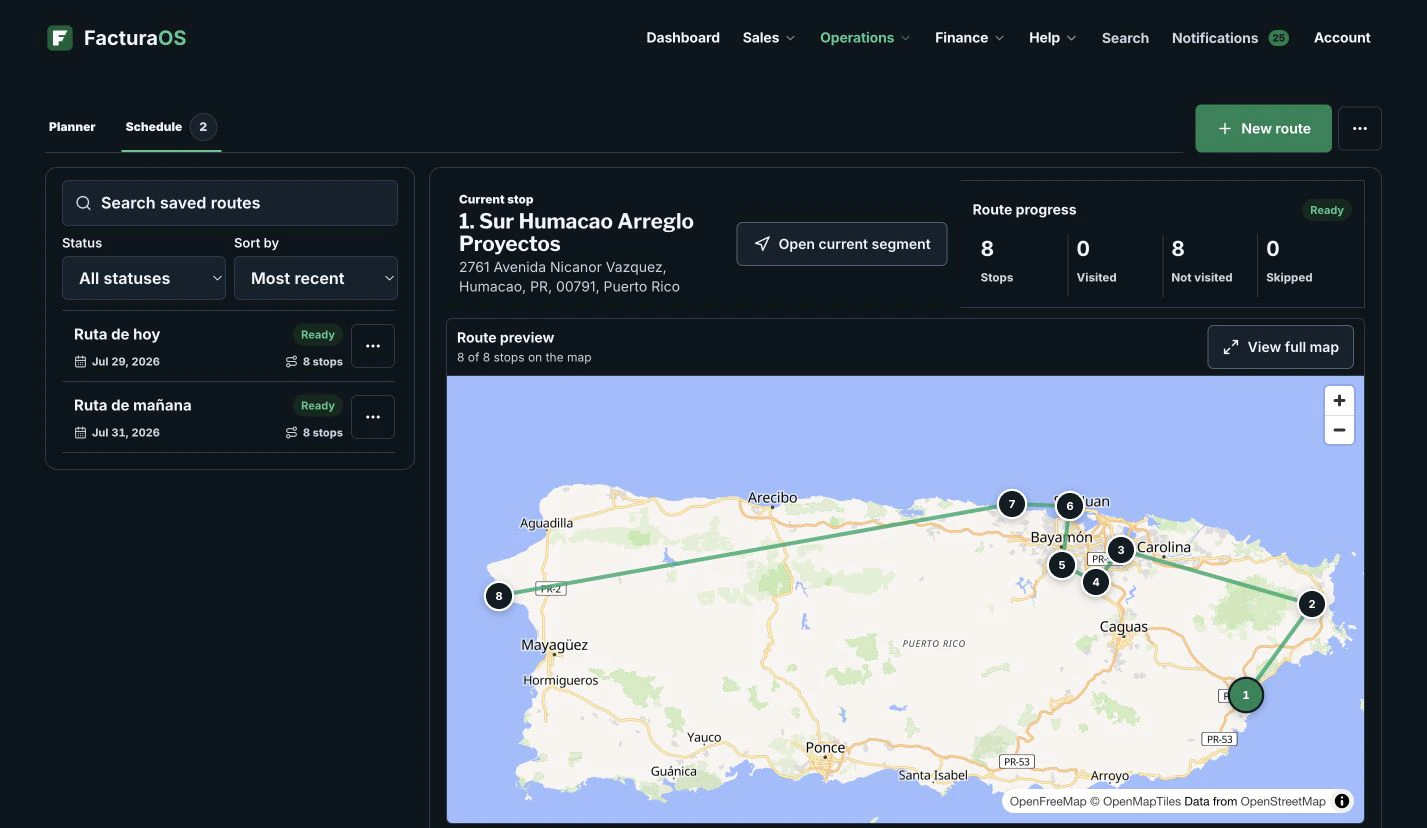
Route board with example data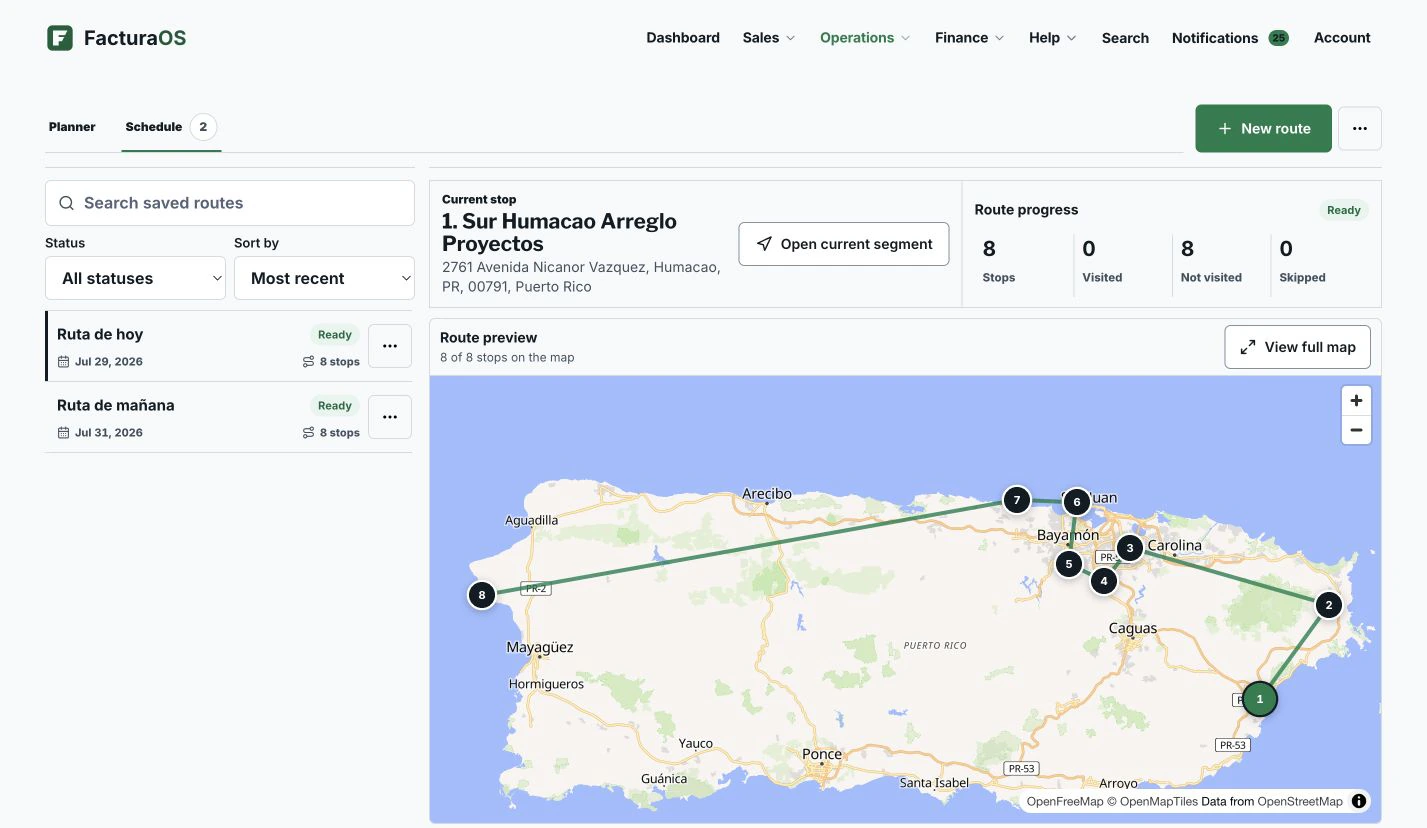
For the daily work
Keep the core work connected.
Start with the tool closest to the problem you want solved today.
Client management for service businesses
Keep client contact details, service addresses, notes, invoice history, photos, and route details in one place.
Reusable invoice templates, services, and inventorySave products, services, inventory, and reusable invoice templates so common jobs do not become repetitive admin.
Route planning software for service teamsPlan routes from saved client locations, open directions, and keep the team focused on the next stop.
United States
Turn market context into a next action.
Available countries
One product rhythm, clear market boundaries.
Explore the available countries without losing the core service process.
Before you choose the operating market
What owners ask before getting started.
Can US service businesses use FacturaOS?
Yes. FacturaOS is available for businesses operating in the United States, with tools for clients, jobs, invoices, service areas, and reports.
Can I start without moving everything at once?
Yes. Start with clients and invoices, then add routes, suppliers, and reports when you need them.
Country pages describe what FacturaOS supports, not tax, legal, accounting, licensing, or regulatory advice. Confirm current local requirements with qualified advisors before relying on a process or document format.
United States
Ready to run the whole day from one place?
Open your business account, select the operating country, and begin with the next real customer.