

FacturaOS is operations software for service businesses; it does not provide tax, legal, or accounting advice.
Operational guide

Organize overdue invoices without rebuilding a spreadsheet

Start with status, due date, and next action. Keep the record, but make the follow-up list easy to see.

Workflow
Status-first
Best for
Collections
Tooling
Reports
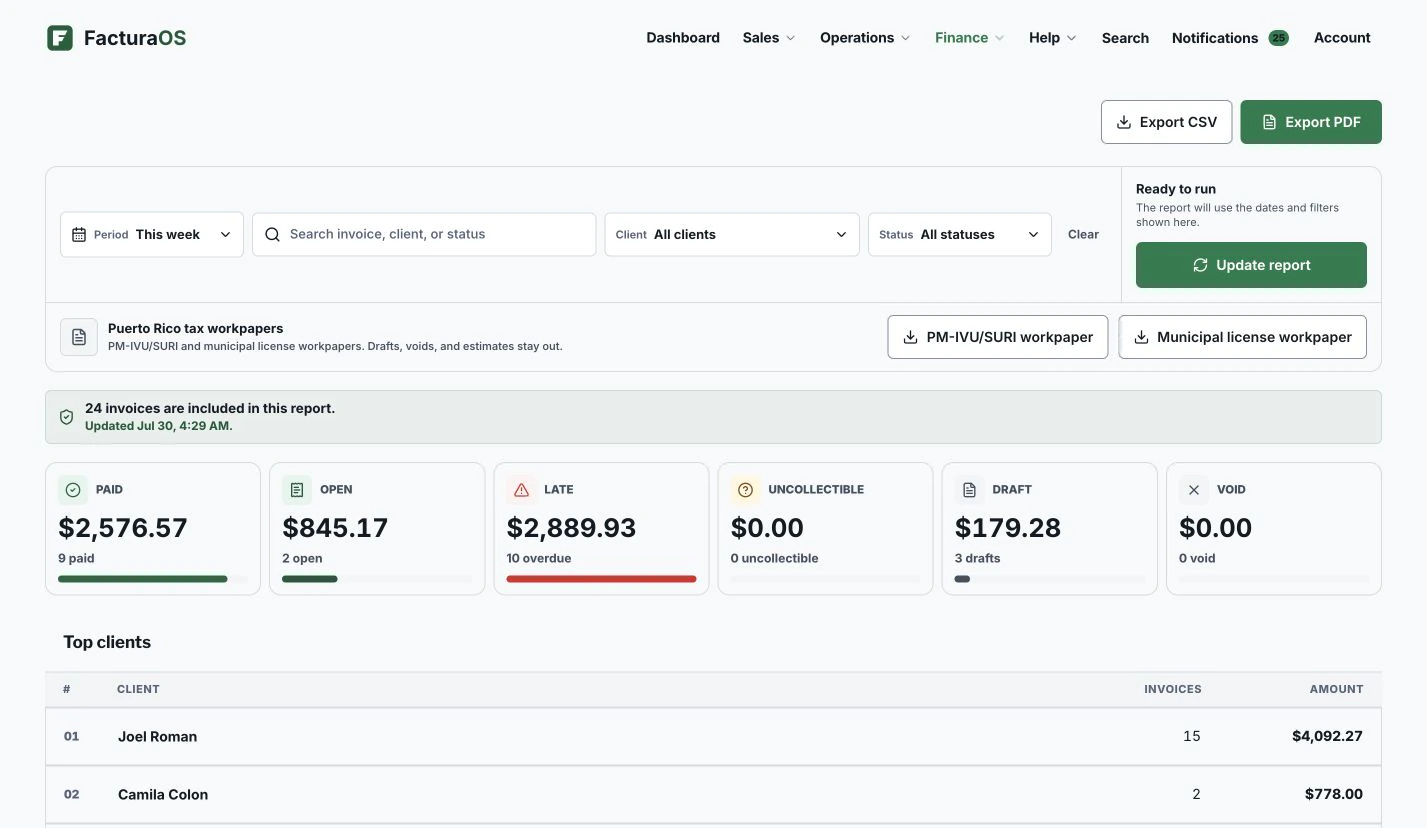
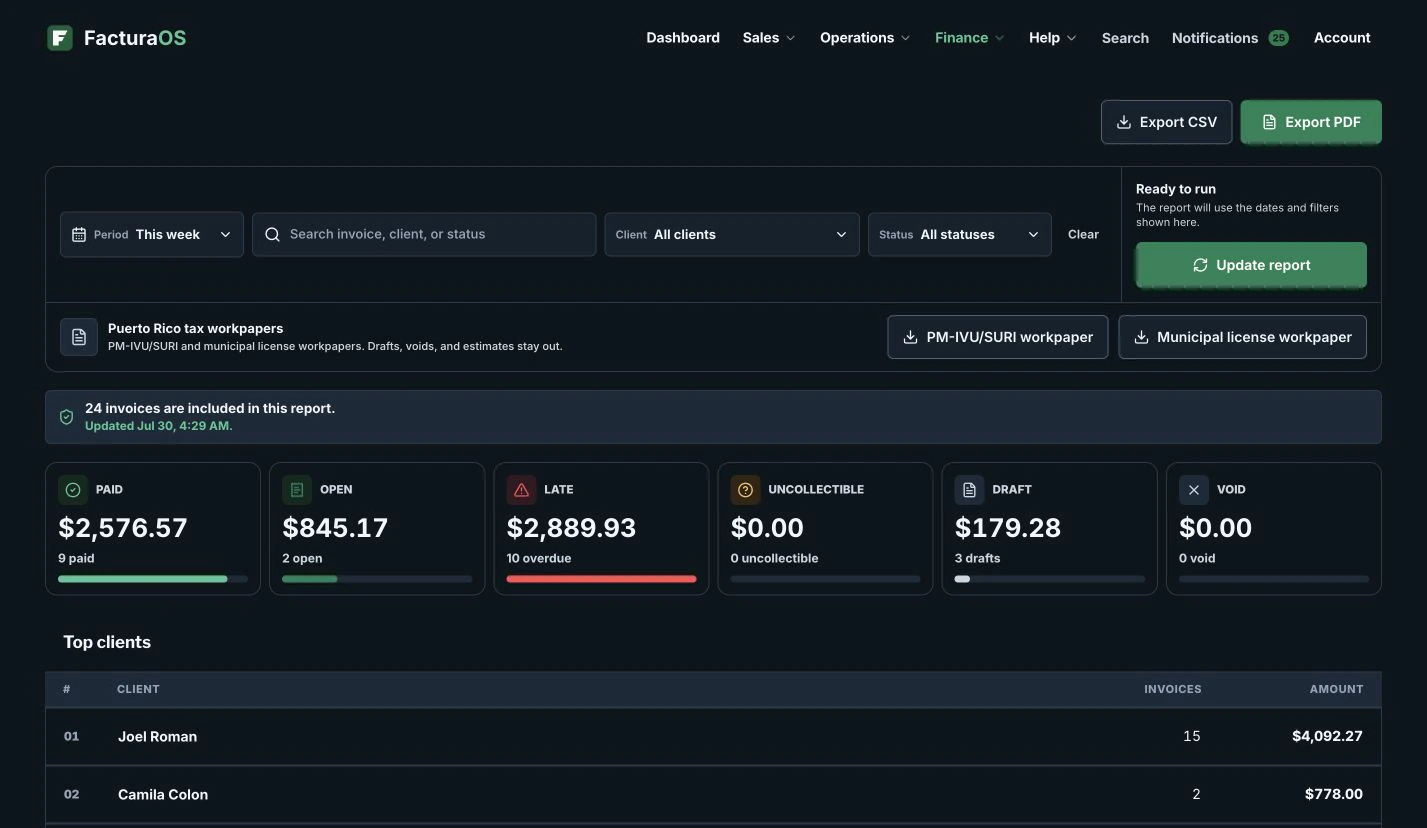
GuideProduct preview shown with example data.
FacturaOS product view for Organize overdue invoices without rebuilding a spreadsheet, shown with example data.
Written and reviewed byFacturaOS Editorial Team
Step 1 · Step one

Make the follow-up list visible

Start with invoice status, not the customer name. Separate open, overdue, draft, paid, and uncollectable records so the next call is obvious.

  • Open invoices
  • Overdue invoices
  • Draft invoices
  • Paid records
Step 2 · Next action

Turn the report into a simple action queue

Once the list is clean, check balances and decide who gets a message, a call, or a payment arrangement.

  • Customer balance
  • Due date
  • Last update
  • Saved report PDF
Guide summary

What to keep visible

Use these signals as a short review before changing the workflow.

FacturaOS

Continue in the product

See the product areas that support this workflow without rebuilding the same record in separate files.

FAQ

One useful check before you start

A direct answer to the question operators ask most about this workflow.

Should I delete old overdue invoices?

Usually no. Keep the record, mark the proper status, and use reports to separate active follow-up from historical records.

FacturaOS

Make the next operating step easier to see.

Put the guide into practice with clients, invoices, routes, suppliers, and reports in one workspace.

Activate now