FacturaOS is operations software for service businesses; it does not provide tax, legal, or accounting advice.
Operational guide

When to stop running invoices from spreadsheets

The signs that spreadsheets and PDF templates are slowing down the work instead of helping it.

Pain
Rework
Fix
Workspace
Result
Control
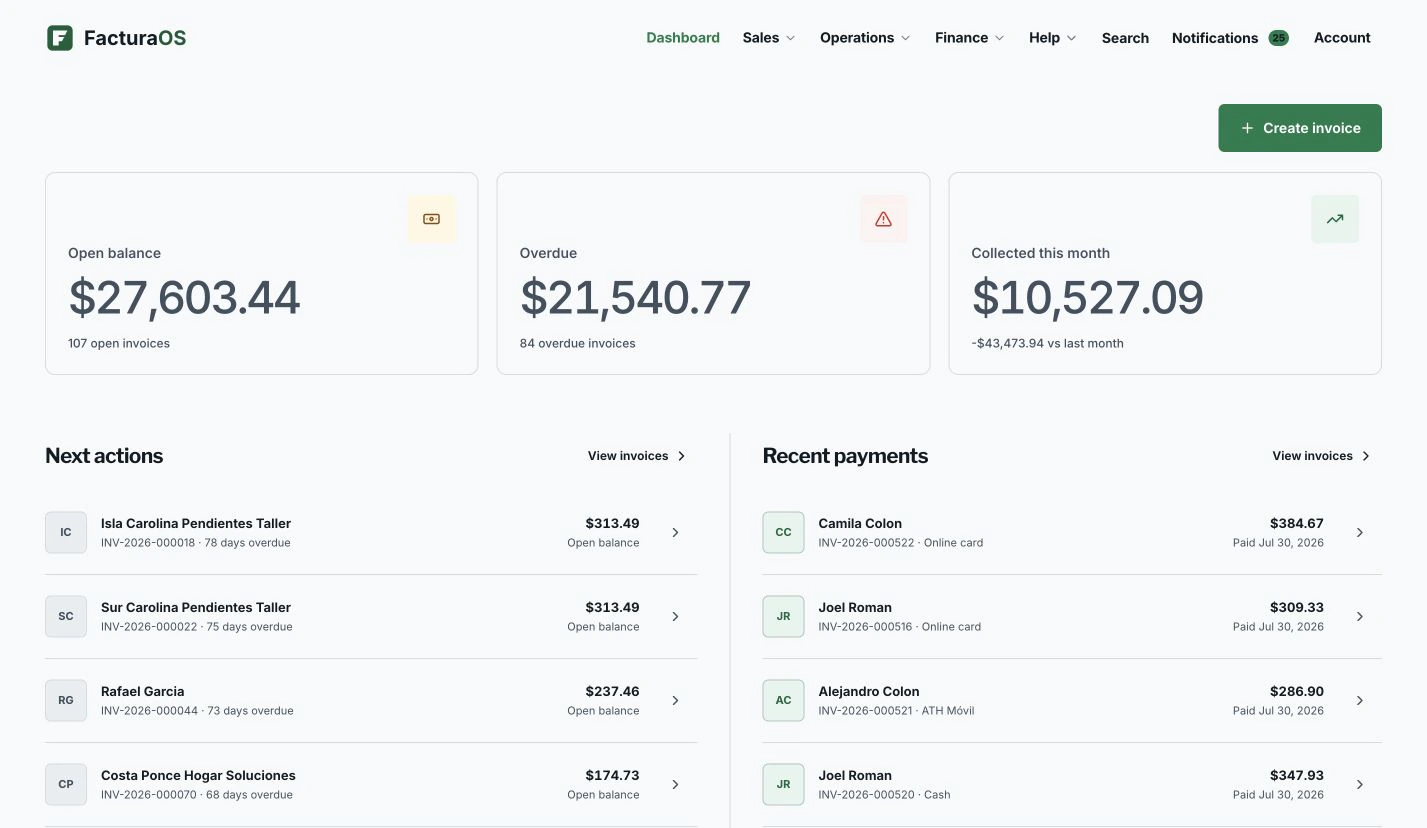
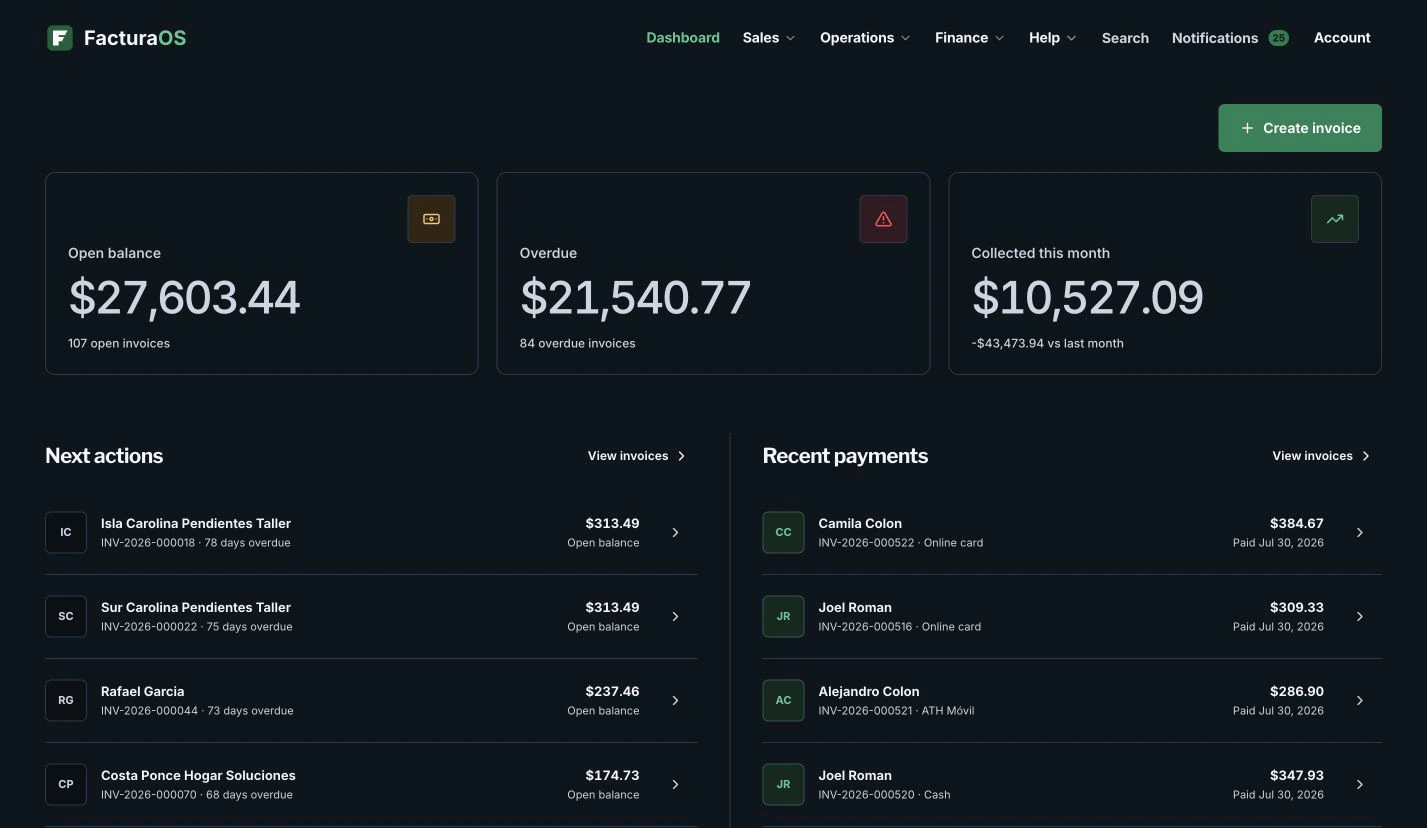
OperationsProduct preview shown with example data.
FacturaOS product view for When to stop running invoices from spreadsheets, shown with example data.
Written and reviewed byFacturaOS Editorial Team
Step 1 · Signal

Repeated typing is the first warning sign

If every invoice starts by copying old rows, searching messages, and rebuilding client details, the system is costing you time.

  • Same customer typed again
  • Same service rebuilt
  • Same tax notes copied
  • Same PDF renamed
Step 2 · Upgrade

Move from files to operating records

A workspace keeps clients, services, templates, invoices, payments, suppliers, and reports connected for the next job.

  • Client book
  • Templates
  • Invoice status
  • Reports
Guide summary

What to keep visible

Use these signals as a short review before changing the workflow.

FacturaOS

Continue in the product

See the product areas that support this workflow without rebuilding the same record in separate files.

FAQ

One useful check before you start

A direct answer to the question operators ask most about this workflow.

Do I need accounting experience to use FacturaOS?

No. FacturaOS is designed for daily operations first: clients, invoices, routes, suppliers, and reports in plain language.

FacturaOS

Make the next operating step easier to see.

Put the guide into practice with clients, invoices, routes, suppliers, and reports in one workspace.

Activate now