

FacturaOS is operations software for service businesses; it does not provide tax, legal, or accounting advice.
Operational guide

Keep suppliers and material spend next to the job

Keep supplier records, purchases, receipts, and material spend close to the job that caused them.

Best for
Materials
Records
Suppliers
Flow
Orders
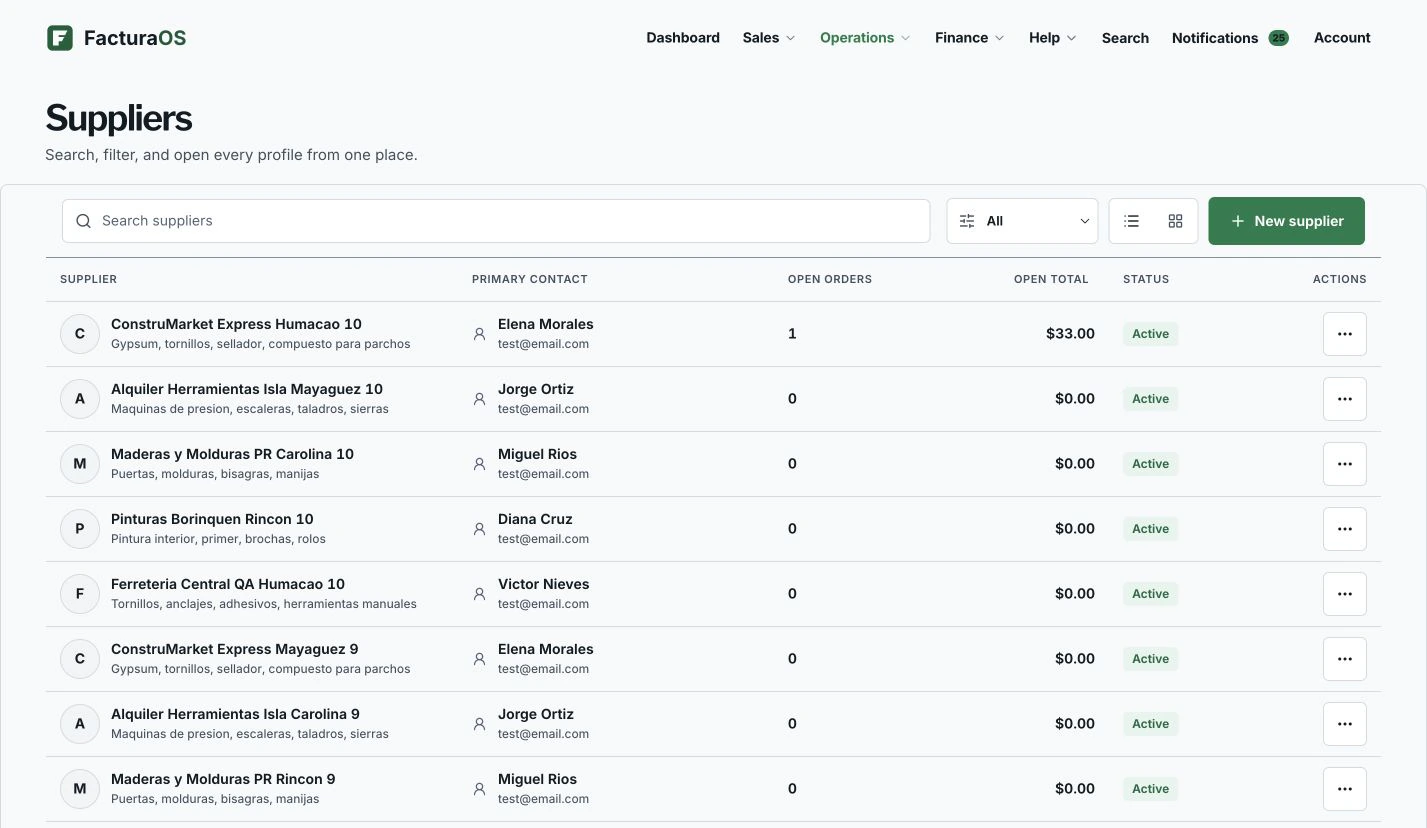
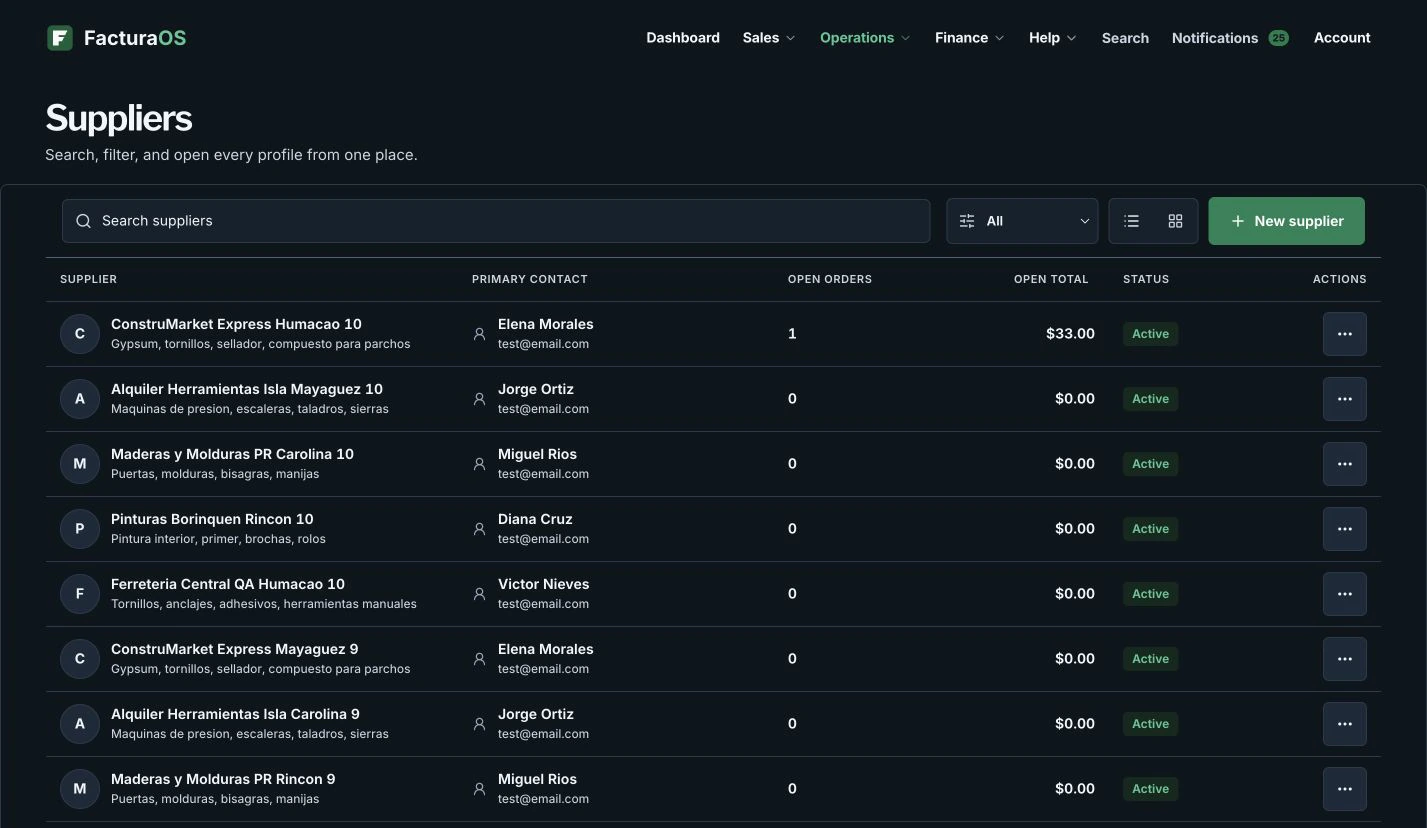
SuppliersProduct preview shown with example data.
FacturaOS product view for Keep suppliers and material spend next to the job, shown with example data.
Written and reviewed byFacturaOS Editorial Team
Step 1Visibility

Material spend should not disappear after the receipt

When material costs sit far from invoices, margin gets blurry. Keep supplier records near the work that created the purchase.

  • Supplier name
  • Receipt
  • Order status
  • Related job
Step 2Queue

Use order status to keep purchases moving

Use order status to see what was requested, ordered, received, paid, or cancelled without opening every supplier one by one.

  • Open
  • Ordered
  • Received
  • Paid
  • Cancelled
Guide summary

What to keep visible

Use these signals as a short review before changing the workflow.

FacturaOS

Continue in the product

See the product areas that support this workflow without rebuilding the same record in separate files.

FAQ

One useful check before you start

A direct answer to the question operators ask most about this workflow.

Is supplier tracking only for large businesses?

No. Even solo owners benefit when paint, parts, rentals, and receipts stay tied to the operating workspace.

FacturaOS

Make the next operating step easier to see.

Put the guide into practice with clients, invoices, routes, suppliers, and reports in one workspace.

Activate now